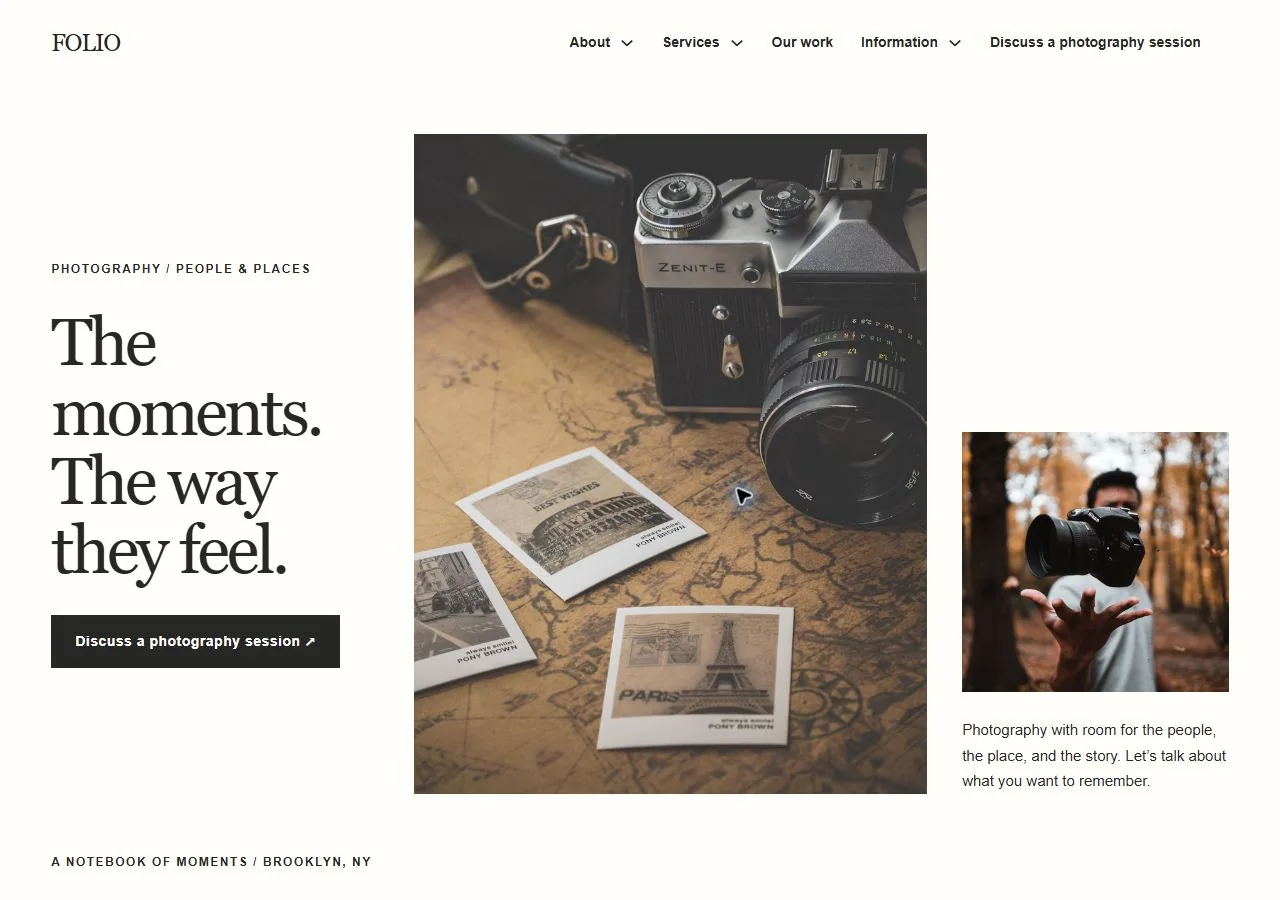
FOLIO
Photography
24 business pages · Free native Bricks kit
View FOLIO kit
6 FREE WEBSITE KITS · Creative & Technology
Show the thinking behind the work and make a technical brief easier to start. This collection brings together photography, branding, print, IT support, cybersecurity and data recovery, with different identities for very different client relationships.
Compare the kitsChoose around the evidence you want to show. FOLIO lets images carry a photography portfolio, OFFSET presents a brand and digital practice, and VAULT organizes a cybersecurity engagement around authorization and scope. Their handover pages reveal as much as their visual styles.
DIRECTION 01
Photography
FOLIO suits a photographer who needs session directions, portfolio stories and image-use information in an image-led notebook.
Preview FOLIODIRECTION 02
Branding & Digital Agency
OFFSET gives a branding or web-design agency space for strategy, identity, projects and a clear creative brief.
Preview OFFSETDIRECTION 03
Cybersecurity Consultancy
VAULT frames cybersecurity as an authorized engagement, with boundaries, access-process and report-handover pages.
Preview VAULT6 DISTINCT DESIGNS
Photography
24 business pages · Free native Bricks kit
View FOLIO kitBranding & Digital Agency
25 business pages · Free native Bricks kit
View OFFSET kitIT Support
24 business pages · Free native Bricks kit
View SIGNAL kitCybersecurity Consultancy
30 business pages · Free native Bricks kit
View VAULT kitData Recovery
32 business pages · Free native Bricks kit
View ARCHIVE kitPrint Studio
31 business pages · Free native Bricks kit
View IMPRESSION kitExplain the brief, contribution and actual deliverables. Obtain permission for portfolio material and keep client-sensitive technical information private.
Clarify what a creative brief, support request or assessment enquiry begins. Publish actual inclusions and the process for agreeing additional work.
Explain file delivery, image permissions, access or reporting using the business’s real process. Connect operational systems separately where they are needed.
Replace illustrative projects and technical claims. Review work permissions, actual service capabilities, private access or device handover and the appropriate client contact route. No live technical monitoring is supplied by a kit.
Read the Bricks kit setup guide Read the accessibility review notes