
Bespoke Wedding Stationery · Invitation spreads and correspondence

LILT

An open-book masthead, letter-like native sheets, offset paper photographs and carefully staged proof and production pages give the stationery studio a personal voice.
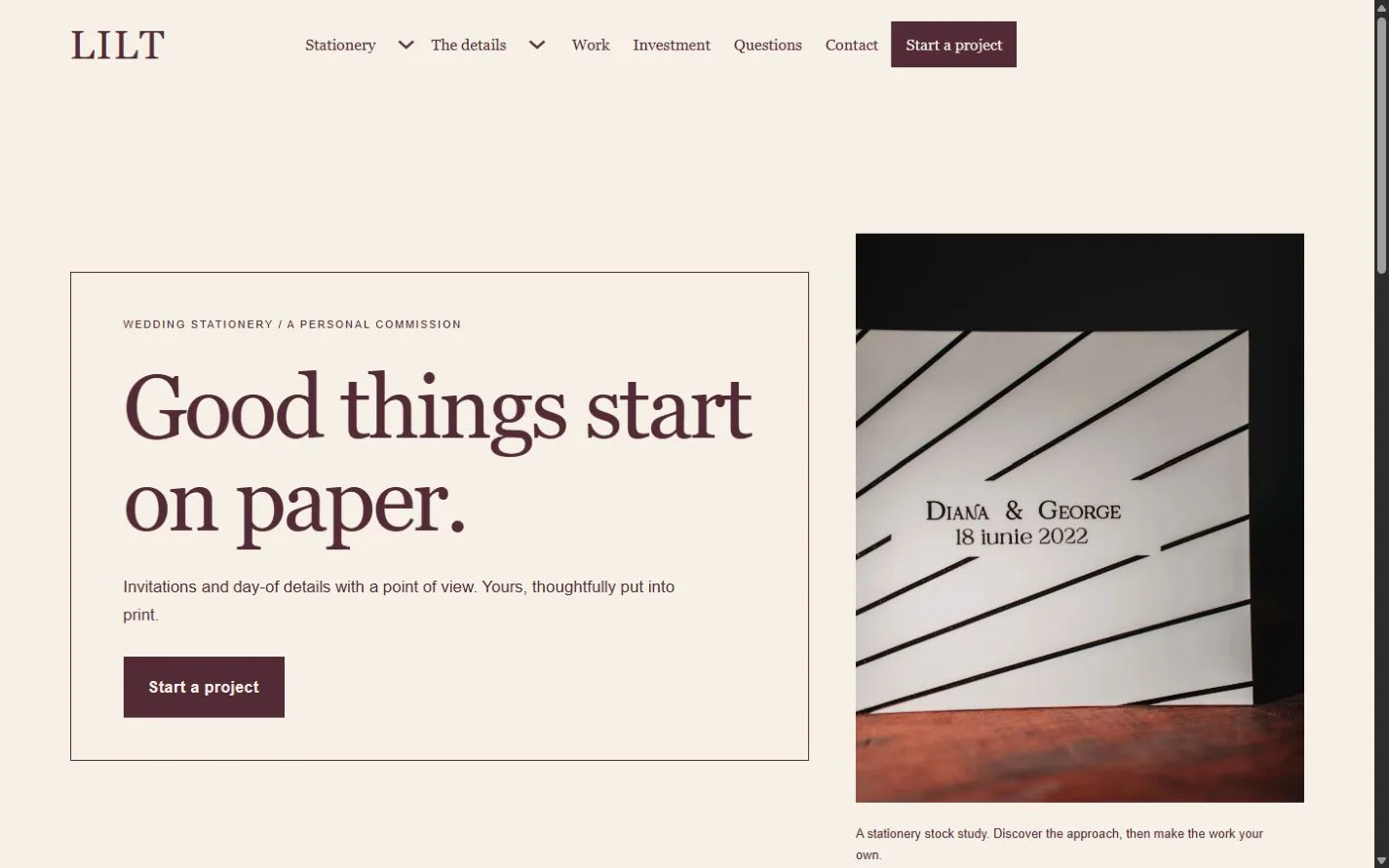
For a studio with something personal to print

An invitation-led website for bespoke and collection wedding stationery studios. It connects visual direction, quantity and proof decisions with a practical project brief.

Colors and typography

The named LILT palette is included. In Bricks, open Styles → Colors → LILT. The HEX values below are selectable.

Canvas

#F7F0E6

Ink

#522B36

Surface

#EADADD

Accent

#6E3447

White

#FFFFFF

Olive

#D5D5C5

Type styles

Georgia display with Arial body text. Both are system fonts; no external font service is required.

Customize colors and fonts in Bricks

A whole commission, from first note to final proof

Explore stationery directionsRead the proof guideStart a project

What to configure before launch

Replace the fictional studio, people, illustrative collection names, stock studies and sample USD prices with your own cleared work and real terms. Confirm print methods, quantities, samples, lead times, revisions, final proof approval, production tolerances, shipping, damage, cancellation and return policies. Configure the native forms, recipient, mail transport and confirmations. Enquiries are not orders. Payment, sample sales, calendars and shipping integrations require separate setup. Exchange guest lists and addresses securely outside the general form.

Requires a separately licensed Bricks installation. The download includes photo credits and the route map.

Read the template license
LILT actual homepage preview for bespoke wedding stationery

Every page.
One personality.

21 complete business-page designs plus a native header and footer. Includes system typography, a native palette, responsive layouts, a Bricks mobile menu and real FAQ buttons.

BRICKS 2.4.5 · NO DESIGN ADD-ONS

Ready for your
own point of view.

The ZIP includes a native unified Bricks package, a page route map and a setup guide. Your Bricks theme license is separate.

Import the inner package through Bricks Settings → Import/Export, then create your pages from the saved designs. Add accurate business details, review the illustrative policies and verify form delivery before publishing.

Read the setup guide