
Woodwind Repair · The woodwind concert program

REED

Ivory reading columns, oxblood program rules and a tall silver-keywork study introduce an independent woodwind bench. Instrument directories, approval notes and two-column question sets keep the repair conversation clear.
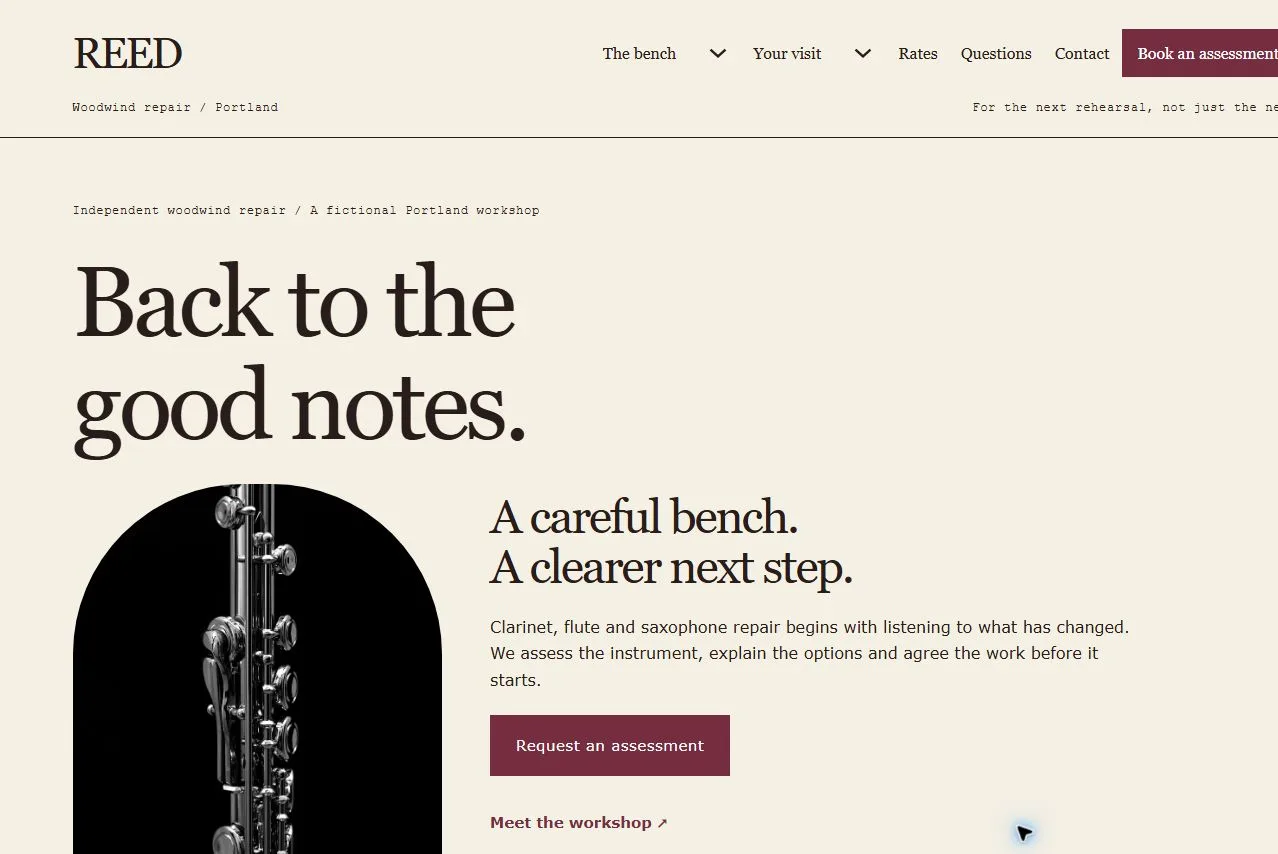
For the independent woodwind bench

An expressive repair workshop with clear routes for clarinet, flute and saxophone players. Assessment, approval and instrument handoff are separate decisions, supported by useful rates, care and arrival information.

Colors and typography

The named REED palette is included. In Bricks, open Styles → Colors → REED. The HEX values below are selectable.

Canvas

#F5F0E4

Ink

#291D1B

Surface

#E5D6C8

Accent

#762D3F

White

#FFFFFF

Ochre

#B9954D

Type styles

Georgia headings at 400, Verdana body at 400, Courier New labels at 400. System fonts only, with no external font request.

Customize colors and fonts in Bricks

What to configure before launch

Replace the fictional workshop, team, contact details, stock photographs, bench notes and sample USD fees. Set actual accepted instruments, technician skills, assessment charges, approval, turnaround, shipping, insurance, collection and uncollected-item terms. No manufacturer authorization, accreditation or repair result is claimed. Configure both native email forms and confirmation routes. Enquiries do not book a repair or authorize shipping. Secure photo exchange, school-fleet records, tracking, payment and loan instruments need separate owner-configured processes.

Requires a separately licensed Bricks installation. The download includes photo credits and the route map.

Read the template license
REED actual homepage preview for woodwind repair

Every page.
One personality.

23 complete business-page designs plus a native header and footer. Includes system typography, a native palette, responsive layouts, a Bricks mobile menu and real FAQ buttons.

BRICKS 2.4.5 · NO DESIGN ADD-ONS

Ready for your
own point of view.

The ZIP includes a native unified Bricks package, a page route map and a setup guide. Your Bricks theme license is separate.

Import the inner package through Bricks Settings → Import/Export, then create your pages from the saved designs. Add accurate business details, review the illustrative policies and verify form delivery before publishing.

Read the setup guide