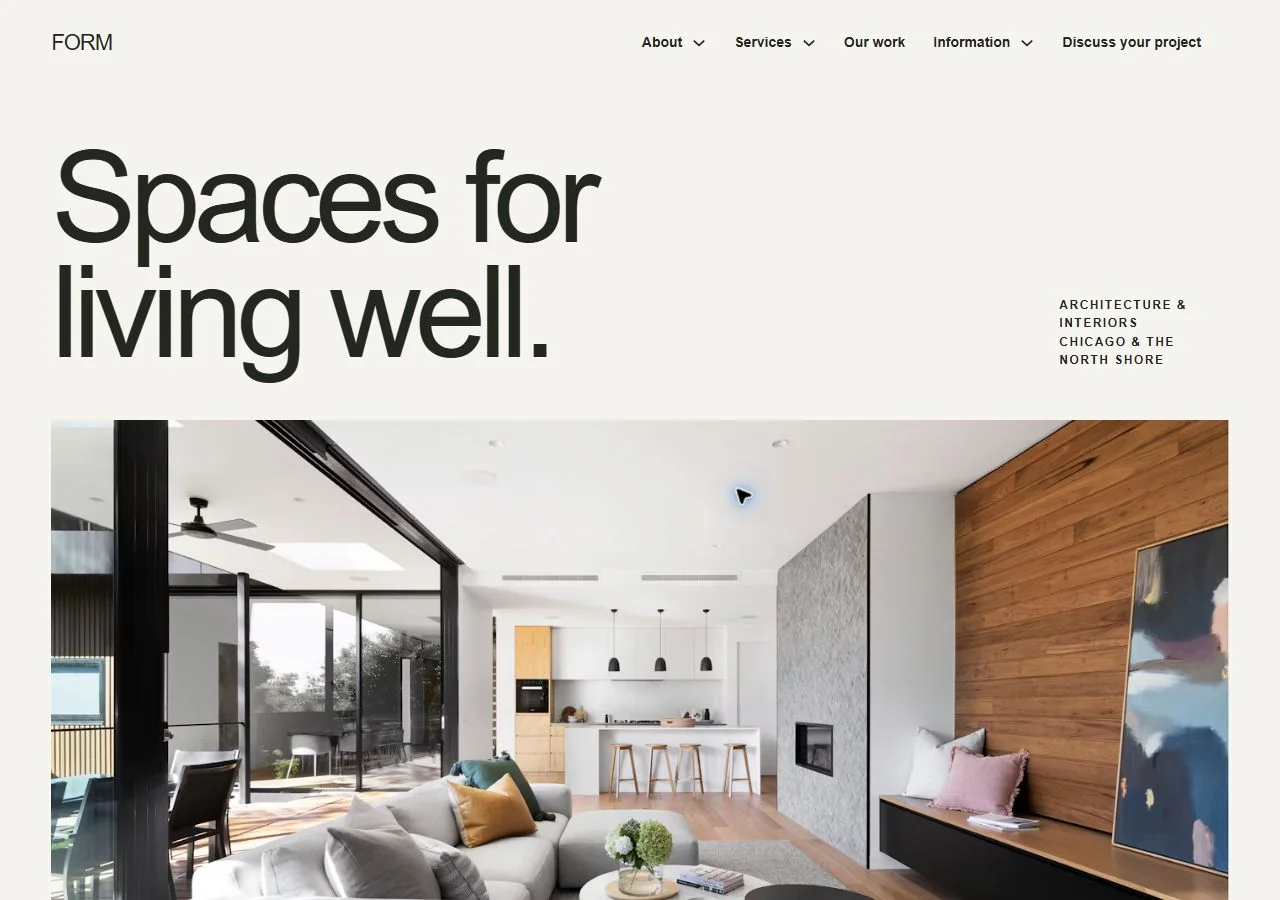
FORM
Architecture & Interiors
24 business pages · Free native Bricks kit
View FORM kit
6 FREE WEBSITE KITS · Property & Design
Give a property, a place or a design practice room to tell its story. Compare architecture, landscaping, remodeling, real estate, property management and surveying kits with page sets for the work and the practical client conversation.
Compare the kitsChoose the relationship you want to explain. FORM leads with a design portfolio, ADDRESS uses a property-journal approach for buyers and sellers, and COMMON GROUND organizes an ongoing management relationship. Their project, process and enquiry pages serve different decisions.
DIRECTION 01
Architecture & Interiors
FORM suits an architecture or interiors practice that wants project narratives, planning information and a clear design enquiry.
Preview FORMDIRECTION 02
Real Estate Services
ADDRESS gives a property-service business separate space for buyer and seller information, with a consultation route alongside the work.
Preview ADDRESSDIRECTION 03
Property Management
COMMON GROUND focuses on ongoing property management. Owner, tenant and maintenance information help explain the relationship after the first enquiry.
Preview COMMON GROUND6 DISTINCT DESIGNS
Architecture & Interiors
24 business pages · Free native Bricks kit
View FORM kitLandscape Design
24 business pages · Free native Bricks kit
View TERRA kitRemodeling
25 business pages · Free native Bricks kit
View BUILT kitReal Estate Services
25 business pages · Free native Bricks kit
View ADDRESS kitProperty Management
25 business pages · Free native Bricks kit
View COMMON GROUND kitLand Surveying
30 business pages · Free native Bricks kit
View MERIDIAN kitPublish authorized imagery and describe the brief, contribution and actual outcome. Distinguish completed work from an illustrative design study.
Make project stages, consultation scope and the appropriate client contact route easy to find. Property management needs clear owner and tenant paths.
Use verified descriptions and current availability where relevant. Connect actual listing or management systems separately; the template does not supply a live property database.
Replace fictional projects, people and property details. Review image permissions, actual professional information, consultation arrangements and any listing or private-document integrations before launch.
Read the Bricks kit setup guide Read the accessibility review notes