
Film Developing Lab · The contact sheet

SPOOL

Carbon, warm white and yellow lab notation frame an uneven photographic contact sheet. Format legends, scan choices, a price matrix and a receipt-like enquiry connect the developing process.
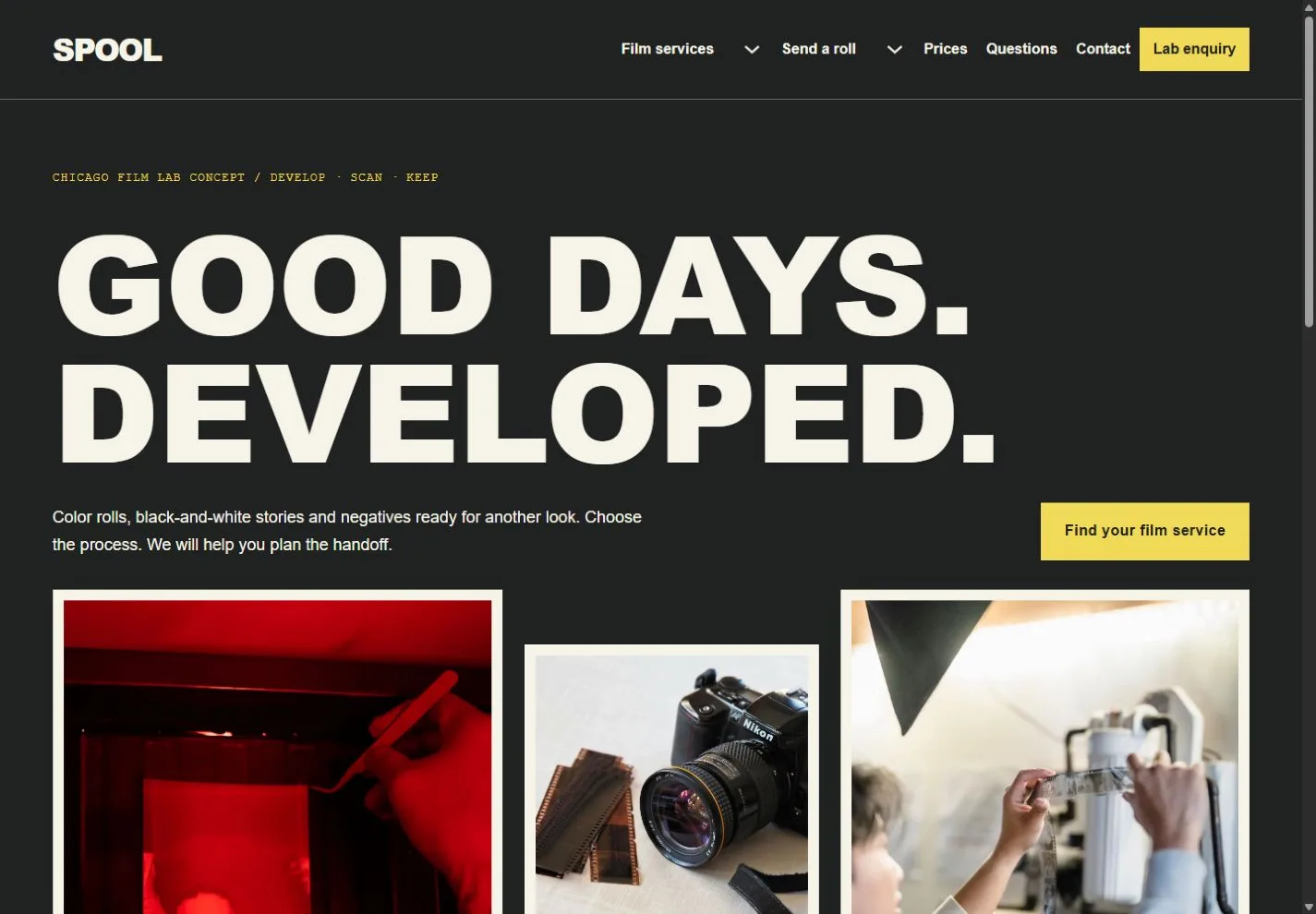
From a roll in a drawer to a file worth keeping

A complete independent film-lab concept. A photographic contact sheet leads into process selection, scan specifications, mail-in and drop-off guidance, custody, delivery and a clear lab enquiry.

Colors and typography

The named SPOOL palette is included. In Bricks, open Styles → Colors → SPOOL. The HEX values below are selectable.

Canvas

#202221

Ink

#F6F3E8

Surface

#343735

Accent

#F1DA58

White

#FFFFFF

Notes

#D8C9F0

Type styles

Arial Black at 900, Arial at 400/700 and Courier New annotations at 400. System fonts only; no remote font requests.

Customize colors and fonts in Bricks

What to configure before launch

Replace fictional lab details, prices, process capabilities, accepted films, turnaround and drop-off arrangements. Confirm the actual lab can process each advertised emulsion and format. Explain scan sizes, file delivery and expiry, negative retention and return, transit risk, recheck procedure and exclusions. Forms are enquiries, not orders or shipping labels. Connect the owner’s ordering, payment, tracking and digital delivery services separately. Configure native email and SMTP before accepting enquiries. Do not request private photographs or payment data through the general form. Licensed stock illustrates film handling, not this fictional lab’s staff, equipment or results. Preserve PHOTO-CREDITS.json.

Requires a separately licensed Bricks installation. The download includes photo credits and the route map.

Read the template license
SPOOL actual homepage preview for film developing lab

Every page.
One personality.

24 complete business-page designs plus a native header and footer. Includes system typography, a native palette, responsive layouts, a Bricks mobile menu and real FAQ buttons.

NATIVE BRICKS · NO DESIGN ADD-ONS

Ready for your
own point of view.

The ZIP includes a native unified Bricks package, a page route map and a setup guide. Your Bricks theme license is separate.

Import the inner package through Bricks Settings → Import/Export, then create your pages from the saved designs. Add accurate business details, review the illustrative policies and verify form delivery before publishing.

Read the setup guide