
Stone Restoration · The existing-stone material plate

SLAB

Oversized black lettering, a broad stone photograph and an offset mint survey plate give surface restoration an architectural presence. Condition boards, finish comparisons and access plans shape the inner pages.
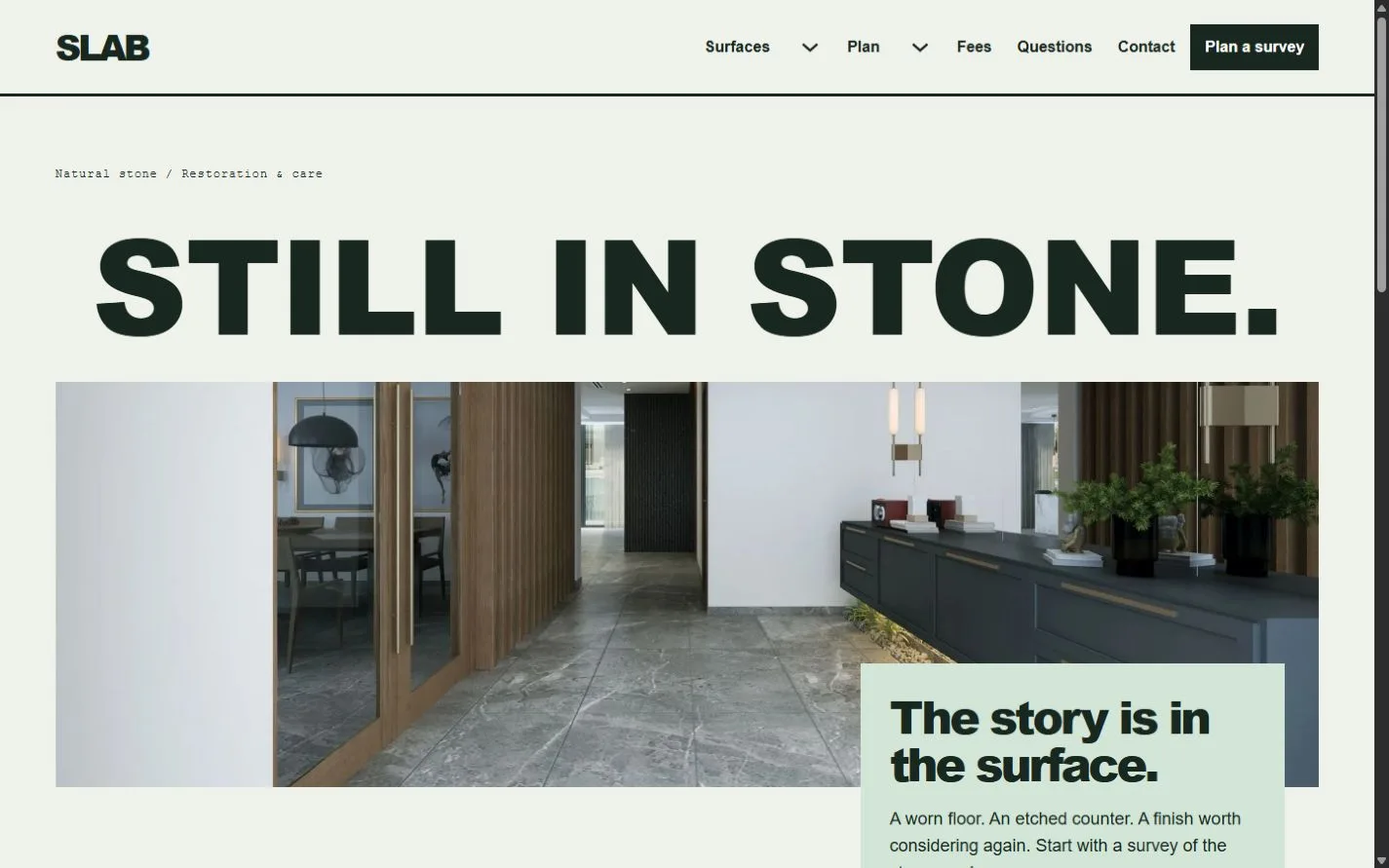
A material-first home for stone care

For independent natural stone restoration teams working in homes and commercial interiors. Surface condition, material, finish and access shape the survey and written scope before work begins.

Colors and typography

The named SLAB palette is included. In Bricks, open Styles → Colors → SLAB. The HEX values below are selectable.

Canvas

#EFF2EB

Ink

#182820

Surface

#D2E5D7

Accent

#355C46

White

#FFFFFF

Mineral

#B9C1B8

Type styles

Arial Black headings at 900, Arial body at 400 and Courier New notes at 400. System fonts only; no external font files are required.

Customize colors and fonts in Bricks

What to configure before launch

Replace the fictional business, team, locations, stock photographs, surface studies and sample USD fees. Supply actual accepted stones and treatments, verified skills, insurance, safe work methods, access, drying and return-to-use instructions, area coverage and policies. No guaranteed stain removal, finish equivalence, slip rating or manufacturer authorization is claimed. Configure both native forms and confirmation routes, survey fees and proposal approval. Secure photos, paid bookings, commercial work orders and payments require separate owner-configured integrations. The enquiry does not book or authorize work.

Requires a separately licensed Bricks installation. The download includes photo credits and the route map.

Read the template license
SLAB actual homepage preview for stone restoration

Every page.
One personality.

23 complete business-page designs plus a native header and footer. Includes system typography, a native palette, responsive layouts, a Bricks mobile menu and real FAQ buttons.

BRICKS 2.4.5 · NO DESIGN ADD-ONS

Ready for your
own point of view.

The ZIP includes a native unified Bricks package, a page route map and a setup guide. Your Bricks theme license is separate.

Import the inner package through Bricks Settings → Import/Export, then create your pages from the saved designs. Add accurate business details, review the illustrative policies and verify form delivery before publishing.

Read the setup guide