
Free Painting & Decorating website kit for Bricks Builder
COAT STUDIO
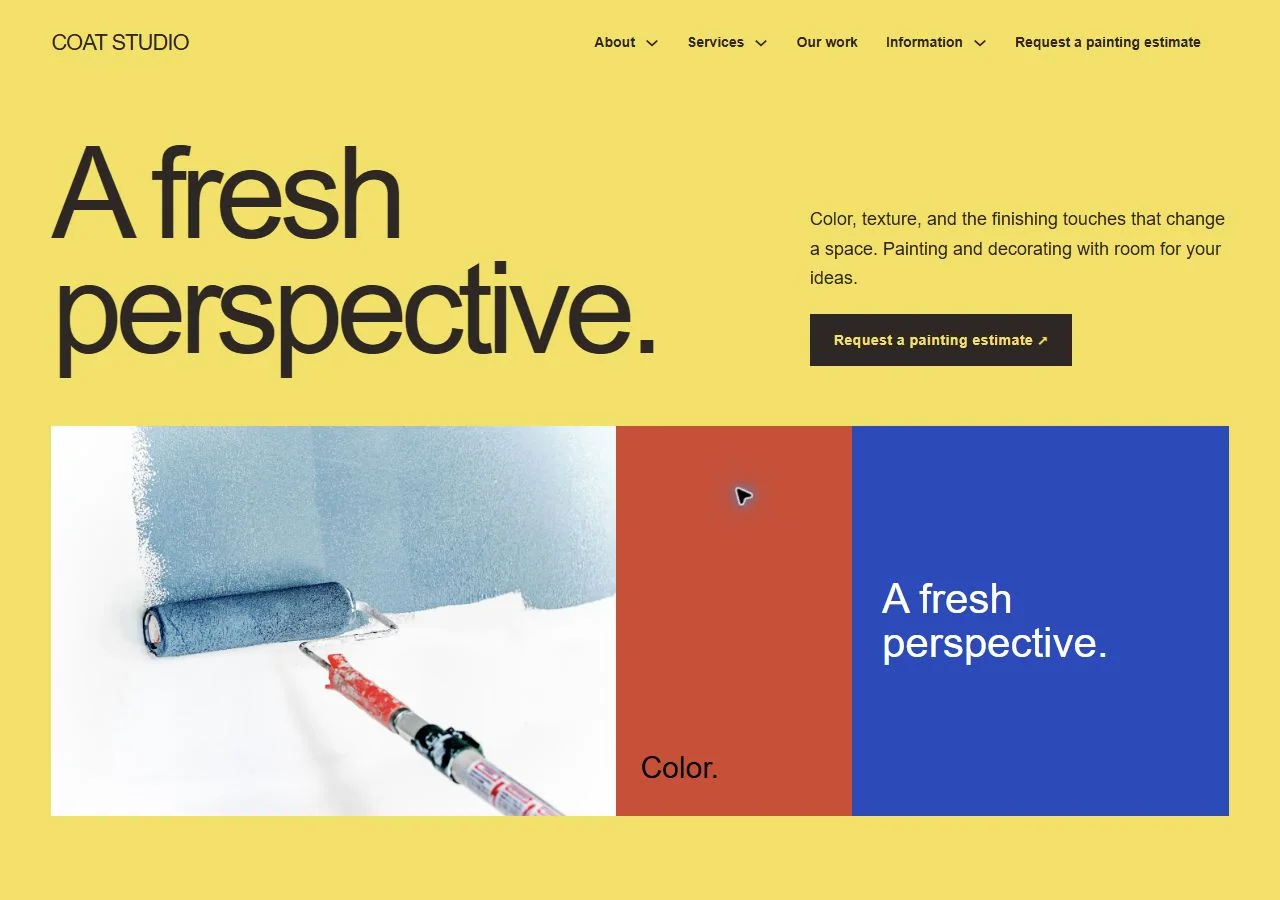
A confident color studio: graphic swatches, mixed scale, oversized lowercase type and highly tactile project pages.
CHOOSING COAT STUDIO
A design for the work you do.
COAT STUDIO suits painting and decorating studios that want color conversations and room transformations to lead the design.
Complete website
24 page designs, plus header and footer
Free download
Version 0.4.5 · Bricks theme licence separate
Native editing
Bricks elements · No required design add-ons
THE COAT STUDIO DESIGN SYSTEM
Colors and typography.
The COAT STUDIO palette is included in the download. In the Bricks builder, choose Styles → Colors → COAT STUDIO. HEX values are written out so you can select and copy them.
Canvas
#F6DF51
Ink
#2E2825
Accent
#D7452D
Surface
#F0EDE5
Black
#000000
Studio blue
#214BC0
White
#FFFFFF
Warm red
#9B2C1D
Warm cream
#FFF8DD
Stone
#EEEAE0
Charcoal
#292927
Headings
Arial · Weight 500
System font. Uses the visitor’s installed font or an available fallback; no font file is bundled.
Body text
Arial · Weight 400
System font. Uses the visitor’s installed font or an available fallback; no font file is bundled.
The samples identify the kit’s type styles; layouts also adapt their size and spacing across screen widths.
Customize these colors and fontsOpen these layouts first.
Service detail
Interior Painting
See how a specific offer is introduced, explained and connected to the next conversation.
Preview this pagePractical information
Preparing The Space
Read the questions and preparation information that support the first enquiry.
Preview this pageThe enquiry route
Request A Painting Estimate
Inspect the labelled form and confirmation flow, then configure delivery for the operating business.
Preview this pageMake COAT STUDIO your own.
Publish permissioned room photographs, actual preparation responsibilities, color-consultation scope and quote arrangements.
What do I need?
A WordPress website with a licensed Bricks theme. Our current review environment uses Bricks 2.4.5. Unzip the download and import the inner .bricks.zip in the Bricks builder via Manage → Import / Export → Import. For menu accessibility, install and activate the optional Accessibility Companion for Bricks once; no code pasting is needed. The included menu-accessibility.html remains a manual fallback. Download the setup instructions above for both methods. Preserve unrelated custom scripts. PHP/code execution is not required.
Follow the complete import guide Optional Accessibility CompanionWhat should I check before launch?
Replace fictional business details, people, prices and examples. Review image permissions and policies, configure form recipients and test delivery, then check the finished site with keyboard, mobile and assistive technology.
See the accessibility review scopePublic demo forms send no enquiry. Downloaded forms need owner configuration and delivery testing. Booking, payment, live inventory and operational systems require the business’s own integrations.
Read the free-template licenceOther directions to explore.
Ready for your
own point of view.
The download includes all native JSON templates, a setup guide, and the template license. Your Bricks theme license is separate.
Replace the example business details, project placeholders, and illustrative photography. Set your form recipient and test delivery before publishing.
Read the setup guide