
Opens in a new tab

Shoe and Boot Repair · Cobbler workbench

WELT

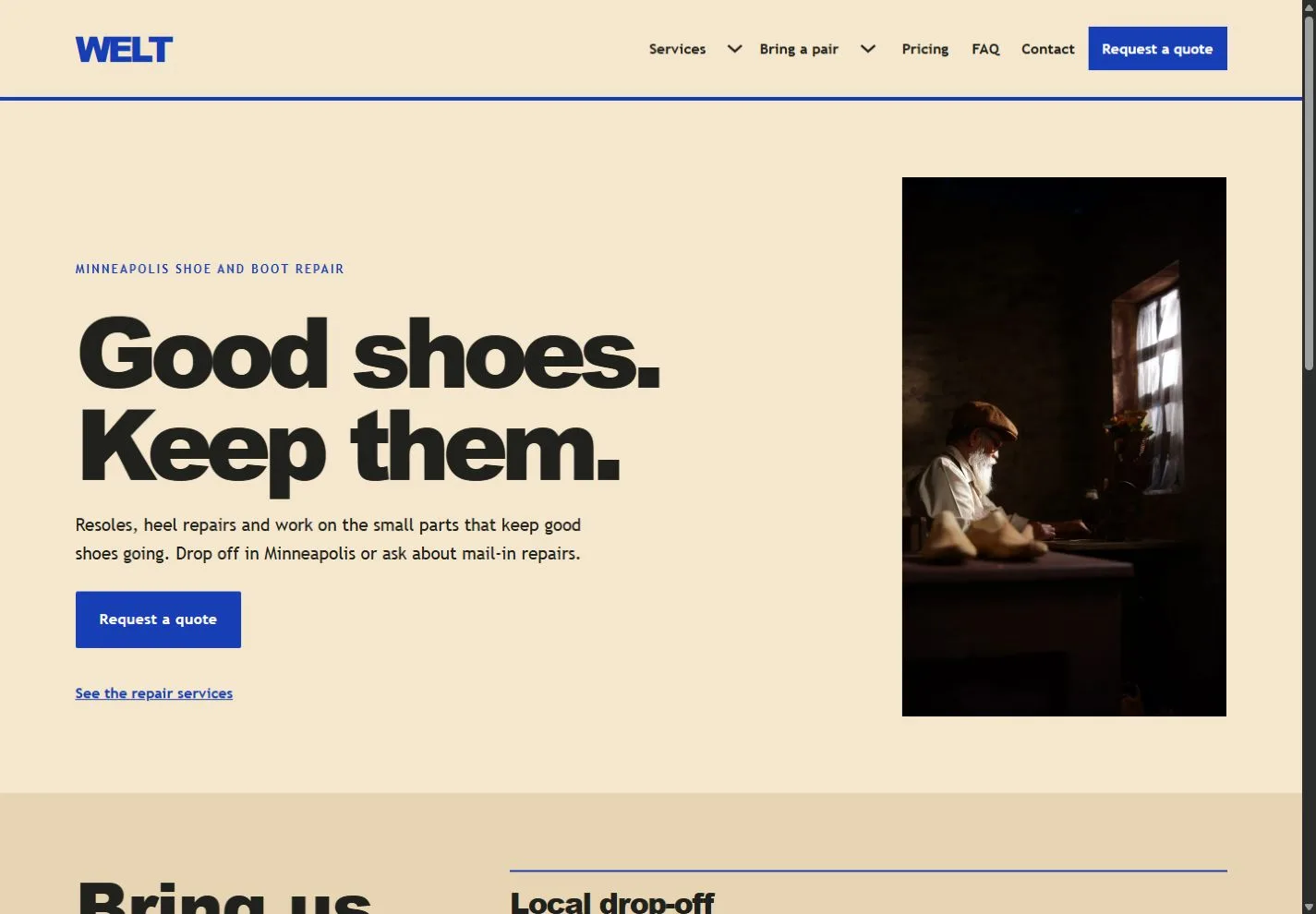
Kraft paper, black display type and cobalt rules pair a narrow workshop portrait with numbered repair notes, local drop-off and mail-in steps.
For independent cobblers and footwear repair shops

Help customers check repairability, compare typical repair costs, and choose between visiting your shop and mailing a pair after approval.

Colors and typography

The named WELT palette is included. In Bricks, open Styles → Colors → WELT. The HEX values below are selectable.

Canvas

#F5E7CD

Ink

#20211D

Surface

#E7D4B2

Accent

#183EB5

White

#FFFFFF

Type styles

Arial Black for headings (900) and Trebuchet MS for body text (400 and 700). Both are system fonts with browser fallbacks.

Customize colors and fonts in Bricks

What to configure before launch

Add your storefront address, opening hours and payment policy. Replace example USD estimates with your actual prices. Set both form recipients, confirm which construction and soles you accept, and remove mail-in paths if you only take local work. Confirm shipping fees, tracking, return terms and liability before taking mailed repairs.

Requires a separately licensed Bricks installation. The download includes photo credits and the route map.

Read the template license
WELT actual homepage preview for shoe and boot repair

Every page.
One personality.

20 complete business-page designs plus a native header and footer. Includes system typography, a native palette, responsive layouts, a Bricks mobile menu and real FAQ buttons.

BRICKS 2.4.5 · NO DESIGN ADD-ONS

Ready for your
own point of view.

The ZIP includes a native unified Bricks package, a page route map and a setup guide. Your Bricks theme license is separate.

Import the inner package through Bricks Settings → Import/Export, then create your pages from the saved designs. Add accurate business details, review the illustrative policies and verify form delivery before publishing.

Read the setup guide