
Watch Repair · Workshop intake
BEZEL
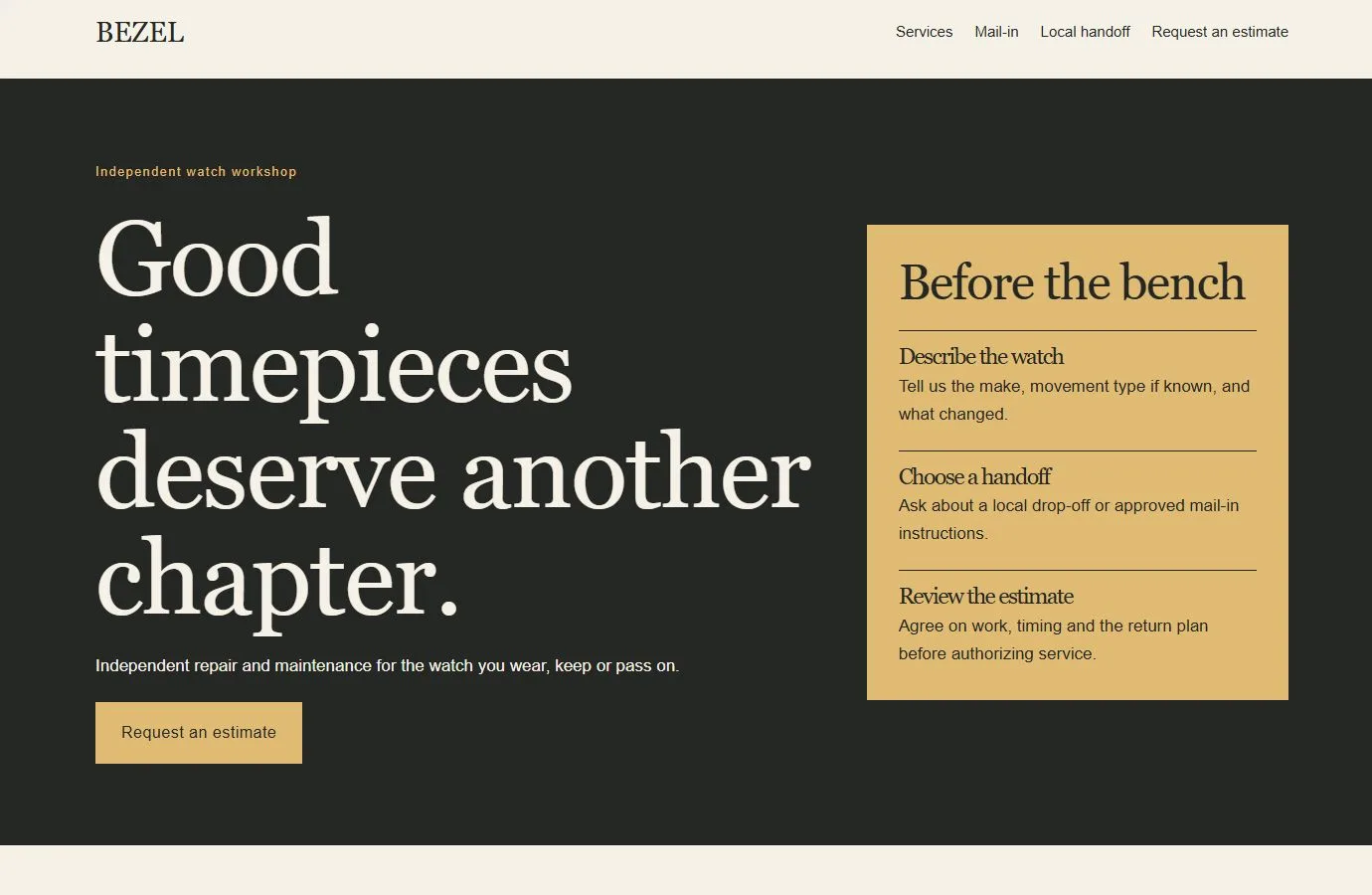
A dark bench-top palette and brass service panel guide customers through estimate requests, mail-in instructions and local drop-off.
CHOOSING BEZEL
A design for the work you do.
BEZEL suits independent watch-repair workshops that need to explain service options, confirm a safe handoff, and get approval for the work before it begins.
Complete website
22 page designs, plus header and footer
Free download
Version 0.4.2 · Bricks theme licence separate
Native editing
Bricks elements · No required design add-ons
THE BEZEL DESIGN SYSTEM
Colors and typography.
The BEZEL palette is included in the download. In the Bricks builder, choose Styles → Colors → BEZEL. You can copy the HEX values below.
Canvas
#F6F1E7
Ink
#242724
Surface
#E4DDCF
Accent
#E0BB74
White
#FFFFFF
Headings
Georgia · Weight 400
System font. Uses the visitor’s installed font or an available fallback; no font file is bundled.
Body text
Arial · Weight 400
System font. Uses the visitor’s installed font or an available fallback; no font file is bundled.
The samples identify the kit’s type styles; layouts also adapt their size and spacing across screen widths.
Customize these colors and fontsOpen these layouts first.
Service detail
Mechanical and automatic watches
Explain which symptoms the workshop can assess and what belongs in the estimate.
Preview mechanical watch servicePractical information
Mail-in service
Show the customer what to confirm before shipping and how tracked return works.
Preview the mail-in guideThe service request
Request an estimate
Collect the movement type, symptom and preferred handoff, then confirm next steps with the workshop.
Preview the estimate requestMake BEZEL your own.
Add the workshop’s accepted watch types, actual fees, shipping instructions, insurance and return terms.
What do I need?
Use WordPress with a licensed Bricks theme. Open a page in the Bricks builder, then choose Manage → Import / Export → Import and select the inner .bricks.zip. Use the included route map to assemble the pages.
Follow the complete import guideWhat should I check before launch?
Replace the fictional workshop details and sample policies. Set recipients for both forms, test delivery, and verify both confirmation paths.
See the accessibility review scopeFor payment, shipping labels or repair tracking, connect the systems the workshop already uses.
Read the free-template licenceOther directions to explore.
Ready for your
own point of view.
The ZIP includes a native unified Bricks package, a page route map and a setup guide. Your Bricks theme license is separate.
Import the inner package in the Bricks builder under Manage → Import / Export → Import, then create your pages from the saved designs. Add accurate business details, review the illustrative policies and verify form delivery before publishing.
Read the setup guideSee BEZEL’s colors and typographyDownload BEZEL setup instructions (TXT)