
Piano Tuning & Repair · Piano service sheet
KEYBED
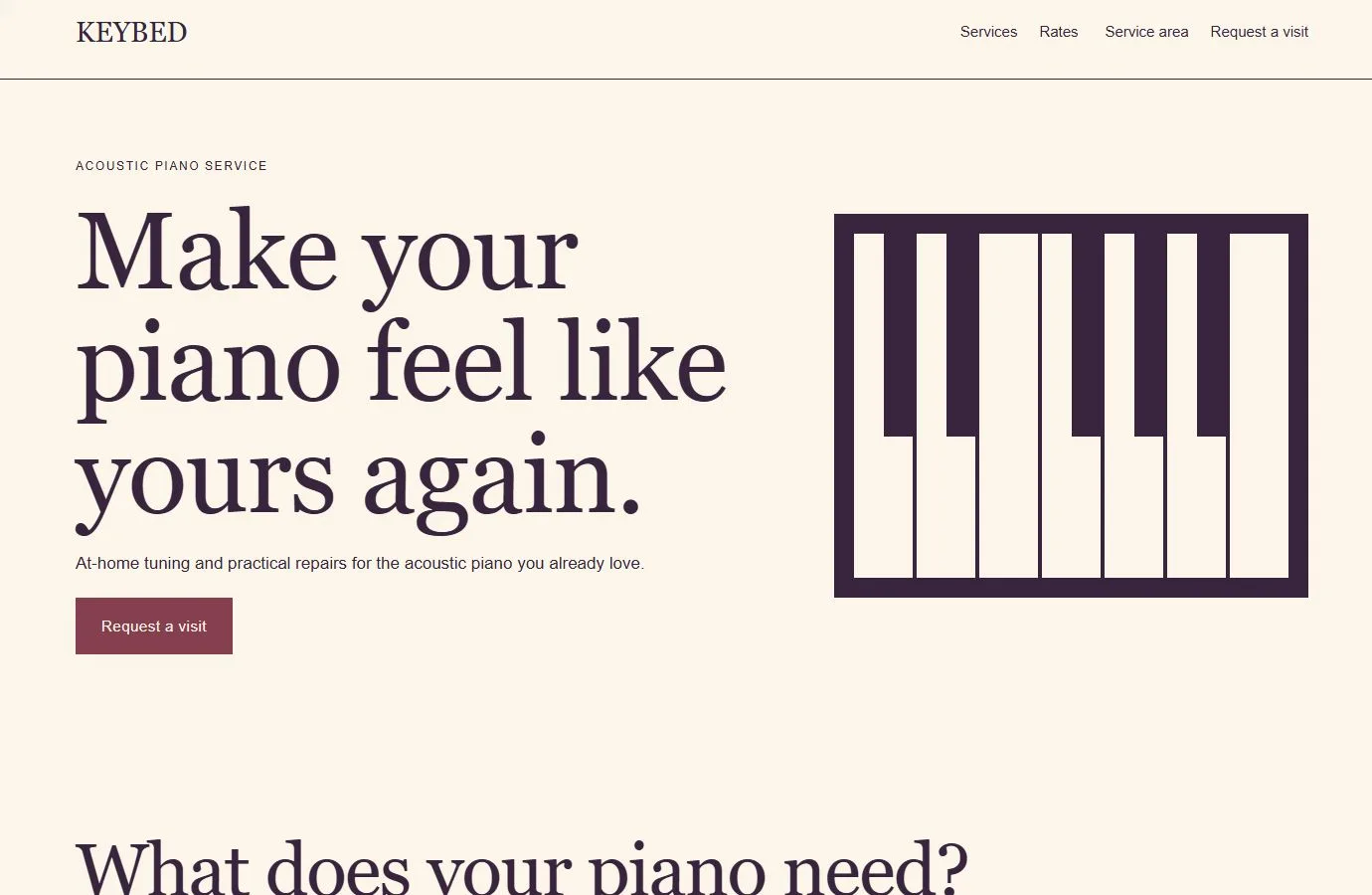
A cream and aubergine design for independent piano technicians, with clear paths from choosing a service to preparing for an on-site visit.
CHOOSING KEYBED
A design for the work you do.
KEYBED suits piano technicians who need to explain tuning, repairs and touch adjustments, show what affects a visit estimate, and collect enough information to arrange a visit.
Complete website
21 page designs, plus header and footer
Free download
Version 0.4.2 · Bricks theme licence separate
Native editing
Bricks elements · No required design add-ons
THE KEYBED DESIGN SYSTEM
Colors and typography.
The KEYBED palette is included in the download. In the Bricks builder, choose Styles → Colors → KEYBED. You can copy the HEX values below.
Canvas
#FCF6EA
Ink
#38243D
Surface
#F1E2D6
Accent
#853F4E
White
#FFFFFF
Headings
Georgia · Weight 400
System font. Uses the visitor’s installed font or an available fallback; no font file is bundled.
Body text
Arial · Weight 400
System font. Uses the visitor’s installed font or an available fallback; no font file is bundled.
The samples identify the kit’s type styles; layouts also adapt their size and spacing across screen widths.
Customize these colors and fontsOpen these layouts first.
Service detail
Tuning and pitch correction
Explain what a routine tuning covers and when the piano may need an initial pitch correction.
Preview tuning and pitch correctionPractical information
Before your visit
Give customers a checklist for making room, arranging building access and setting aside a quiet time.
Preview the visit checklistThe service request
Request a visit
Collect the instrument type, location, service history and preferred timing before agreeing to an appointment.
Preview the visit requestMake KEYBED your own.
Add the technician’s service area, rates, travel charges and cancellation terms before opening the site to clients.
What do I need?
Use WordPress with a licensed Bricks theme. Open a page in the Bricks builder, then choose Manage → Import / Export → Import and select the inner .bricks.zip. Use the included route map to assemble the pages.
Follow the complete import guideWhat should I check before launch?
Replace the fictional service details and review the sample policies. Set the recipients for both forms, verify the separate confirmations, and test delivery before collecting enquiries.
See the accessibility review scopeThe kit includes service enquiries. To offer live appointment availability or online payments, connect the technician’s own booking or payment service.
Read the free-template licenceOther directions to explore.
Ready for your
own point of view.
The ZIP includes a native unified Bricks package, a page route map and a setup guide. Your Bricks theme license is separate.
Import the inner package in the Bricks builder under Manage → Import / Export → Import, then create your pages from the saved designs. Add accurate business details, review the illustrative policies and verify form delivery before publishing.
Read the setup guideSee KEYBED’s colors and typographyDownload KEYBED setup instructions (TXT)