
Opens in a new tab

Commercial Espresso Equipment Service · Equipment service desk

PULL

A blue-black work order and safety orange task strip lead visitors from machine problems to a prepared technician visit.
For commercial espresso repair and equipment technicians

Help a café find the right kind of visit, check service coverage, and send enough information for a technician to prepare. Separate urgent repair from installation and scheduled maintenance.

Colors and typography

The named PULL palette is included. In Bricks, open Styles → Colors → PULL. The HEX values below are selectable.

Canvas

#F3F3ED

Ink

#161D24

Surface

#DCE6EC

Accent

#FF9862

White

#FFFFFF

Type styles

Arial Bold (700) headings and Arial Regular (400) body, with Courier New Bold for equipment labels. System fonts.

Customize colors and fonts in Bricks

What to configure before launch

Replace the dispatch hours, coverage, equipment list, visit fees and warranty process. Confirm how to identify a safe installation site and who supplies utilities. Configure recipients and retry both forms. Activate real dispatch, payment or service-plan tools separately and only if the business uses them.

Requires a separately licensed Bricks installation. The download includes photo credits and the route map.

Read the template license
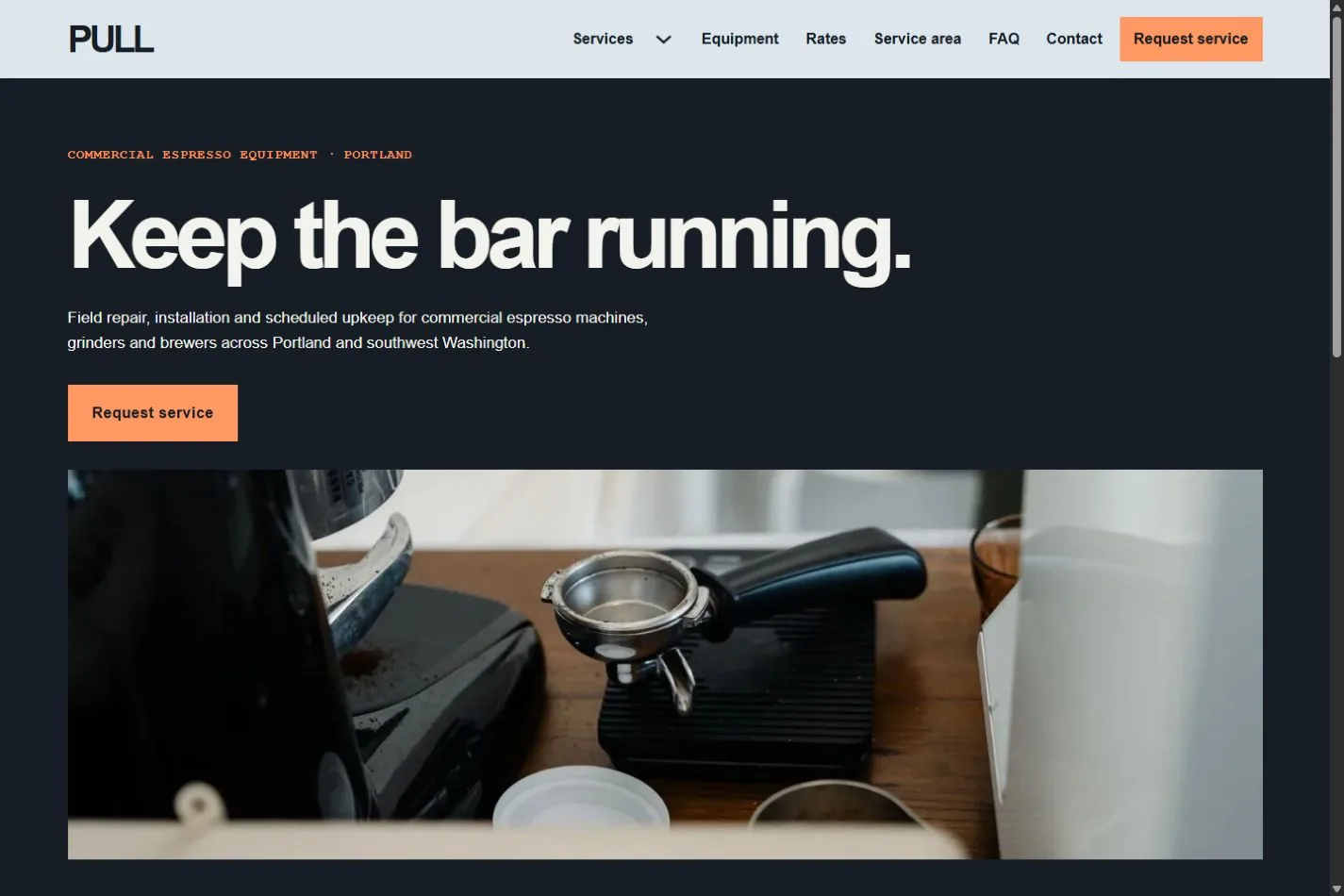
PULL actual homepage preview for commercial espresso equipment service

Every page.
One personality.

20 complete business-page designs plus a native header and footer. Includes system typography, a native palette, responsive layouts, a Bricks mobile menu and real FAQ buttons.

BRICKS 2.4.5 · NO DESIGN ADD-ONS

Ready for your
own point of view.

The ZIP includes a native unified Bricks package, a page route map and a setup guide. Your Bricks theme license is separate.

Import the inner package through Bricks Settings → Import/Export, then create your pages from the saved designs. Add accurate business details, review the illustrative policies and verify form delivery before publishing.

Read the setup guide