
Opens in a new tab

Clock Repair and Restoration · Clock collection

DIAL

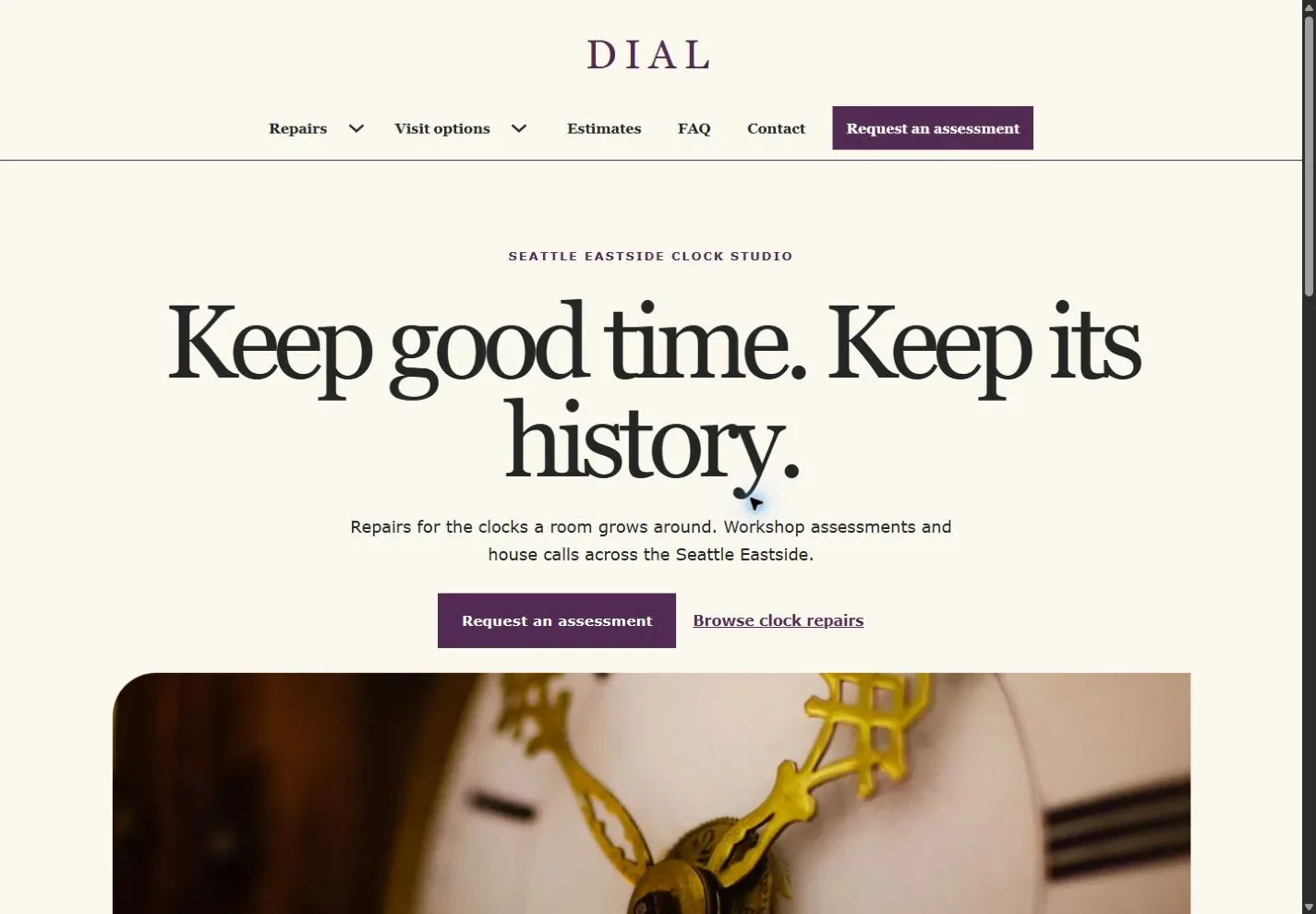
A centered masthead, oversized Georgia type, painted clock faces and plum rules connect home visits, bench assessments and illustrated restoration notes.
For independent clock repair and restoration studios

Show repair scope, distinguish workshop work and house calls, and collect the details that matter before an assessment.

Colors and typography

The named DIAL palette is included. In Bricks, open Styles → Colors → DIAL. The HEX values below are selectable.

Canvas

#FBF8F0

Ink

#242624

Surface

#E7DEEB

Accent

#512B51

White

#FFFFFF

Type styles

Georgia (400) headings and Verdana (400 and 700) body. Both are system fonts.

Customize colors and fonts in Bricks

What to configure before launch

Set the two form recipients and mail provider. Confirm actual address, house-call radius, estimate fees, clocks accepted, availability, deposits, warranties and cancellation. Add mail-in, insured shipping or secure photo exchange only if you offer it.

Requires a separately licensed Bricks installation. The download includes photo credits and the route map.

Read the template license
DIAL actual homepage preview for clock repair and restoration

Every page.
One personality.

20 complete business-page designs plus a native header and footer. Includes system typography, a native palette, responsive layouts, a Bricks mobile menu and real FAQ buttons.

BRICKS 2.4.5 · NO DESIGN ADD-ONS

Ready for your
own point of view.

The ZIP includes a native unified Bricks package, a page route map and a setup guide. Your Bricks theme license is separate.

Import the inner package through Bricks Settings → Import/Export, then create your pages from the saved designs. Add accurate business details, review the illustrative policies and verify form delivery before publishing.

Read the setup guide