
Furniture Upholstery · Furniture material lookbook

PLEAT

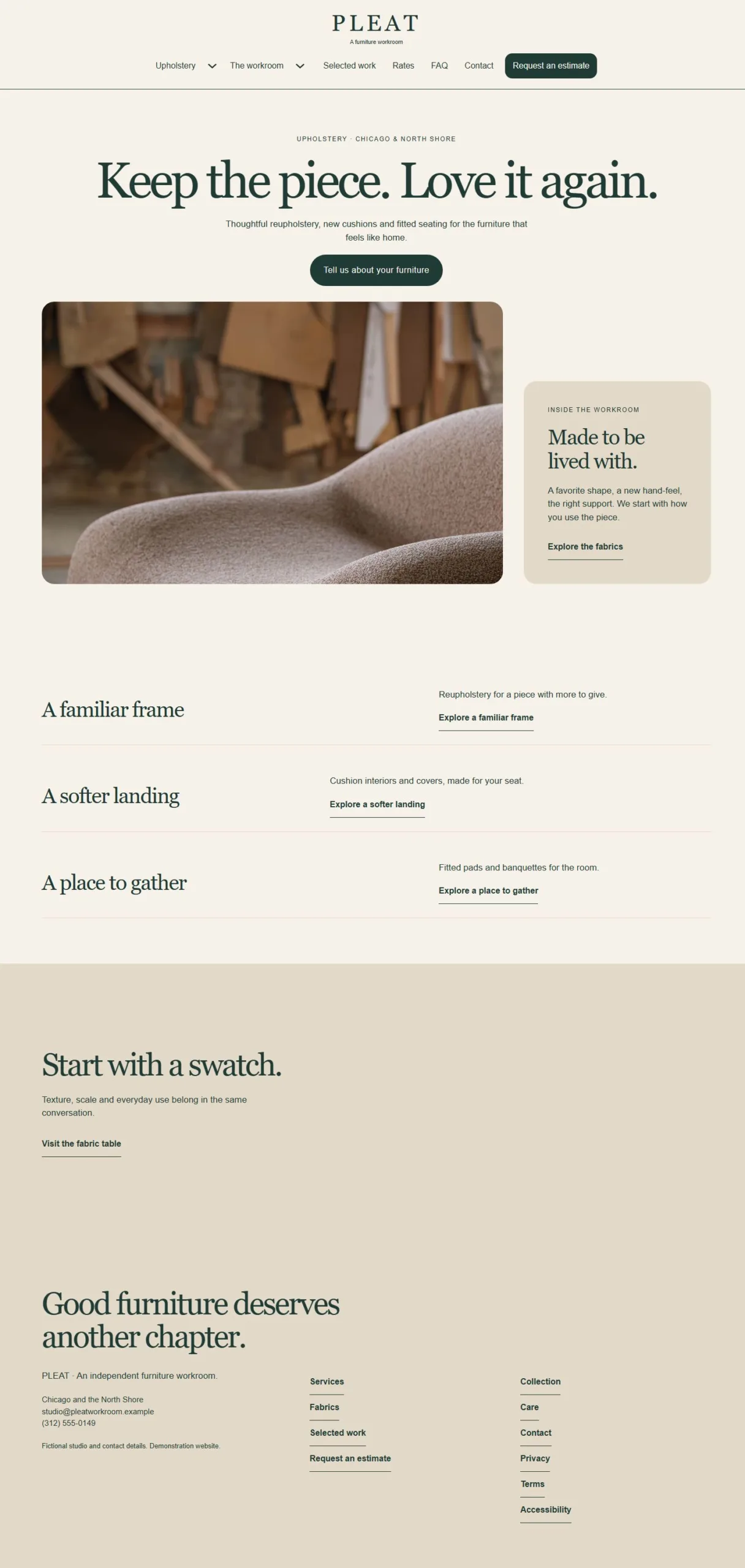
A centered workroom masthead, tactile furniture photography and soft sample sheets give upholstery an attentive voice. Fabric comparisons, cushion layers, a price receipt and a tailored quote worksheet extend the design through the inner pages.
For upholstery workrooms with a point of view

Help people keep the furniture they love, choose a suitable fabric and understand the estimate before arranging collection.

Colors and typography

The named PLEAT palette is included. In Bricks, open Styles → Colors → PLEAT. The HEX values below are selectable.

Canvas

#F6F2E9

Ink

#203B36

Surface

#E2D9C8

Accent

#CBA37B

White

#FFFFFF

Cloth

#BFCBC0

Type styles

Georgia display with Arial for copy and controls. System fonts; no external font request.

Customize colors and fonts in Bricks

What to configure before launch

Replace the fictional studio, service area, roles, project stories and sample USD prices. Confirm accepted furniture, fabric sourcing and customer-supplied fabric rules, collection charges, approval and cancellation terms. Configure and test the email recipient and both form confirmations. Live demonstrations do not send email or book work. Photo uploads, scheduling, commercial material documentation, insurance and payments require the owner’s separate setup.

Requires a separately licensed Bricks installation. The download includes photo credits and the route map.

Read the template license
PLEAT actual homepage preview for furniture upholstery

Every page.
One personality.

22 complete business-page designs plus a native header and footer. Includes system typography, a native palette, responsive layouts, a Bricks mobile menu and real FAQ buttons.

BRICKS 2.4.5 · NO DESIGN ADD-ONS

Ready for your
own point of view.

The ZIP includes a native unified Bricks package, a page route map and a setup guide. Your Bricks theme license is separate.

Import the inner package through Bricks Settings → Import/Export, then create your pages from the saved designs. Add accurate business details, review the illustrative policies and verify form delivery before publishing.

Read the setup guide