
Opens in a new tab

Custom Cabinetry & Millwork · Millwork studio portfolio

SPLINE

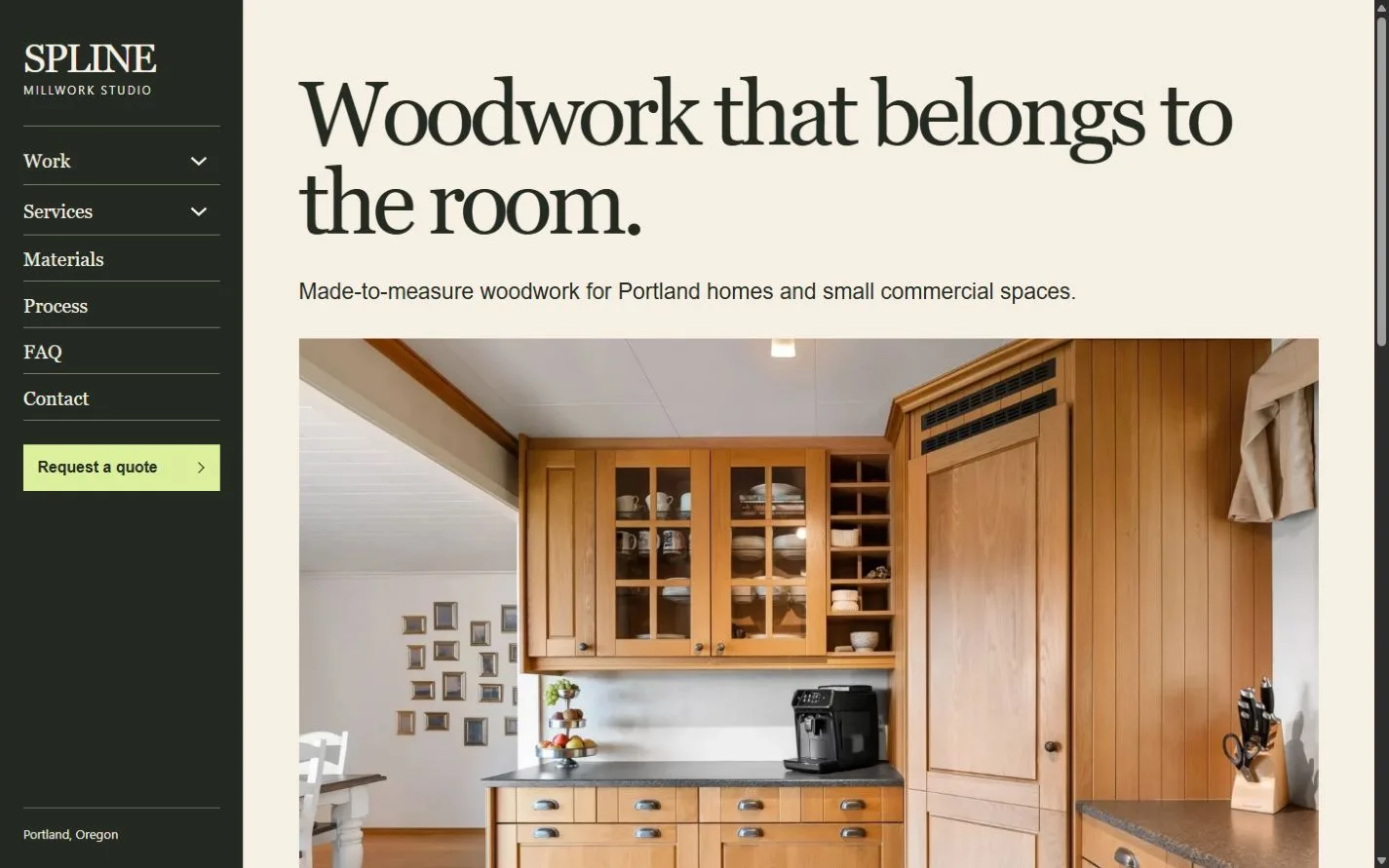
A vertical desktop index frames oak cabinetry, material samples and project specifications. The mobile menu keeps project browsing and quote requests in easy reach.
For cabinetmakers and millwork studios

Show installed work, explain finishes and bring homeowner or trade enquiries through a quote form. A vertical desktop index stays available beside project photographs. A labeled mobile menu brings the same routes into a compact panel.

Colors and typography

The named SPLINE palette is included. In Bricks, open Styles → Colors → SPLINE. The HEX values below are selectable.

Canvas

#F6F0E4

Ink

#242A22

Surface

#E8DDC7

Accent

#DBEF9C

White

#FFFFFF

Type styles

Georgia Regular (400) for headings and desktop rail links. Arial Regular (400) for body text. Both are system fonts.

Customize colors and fonts in Bricks

What to configure before launch

Replace the sample projects, contact details, shop hours and installation area. Set estimate minimums, survey fees, lead times and approval terms. Configure the Bricks email recipient and test both form routes and confirmations. Enable image import to copy the illustrative photos or substitute your own licensed work. Add private drawing uploads or a payment provider if needed.

Requires a separately licensed Bricks installation. The download includes photo credits and the route map.

Read the template license

Related templates

FORMGRAIN
SPLINE actual homepage preview for custom cabinetry & millwork

Every page.
One personality.

22 complete business-page designs plus a native header and footer. Includes system typography, a native palette, responsive layouts, a Bricks mobile menu and real FAQ buttons.

BRICKS 2.4.5 · NO DESIGN ADD-ONS

Ready for your
own point of view.

The ZIP includes a native unified Bricks package, a page route map and a setup guide. Your Bricks theme license is separate.

Import the inner package through Bricks Settings → Import/Export, then create your pages from the saved designs. Add accurate business details, review the illustrative policies and verify form delivery before publishing.

Read the setup guide