
Garden Soil Testing · The garden sampling field guide

LOAM

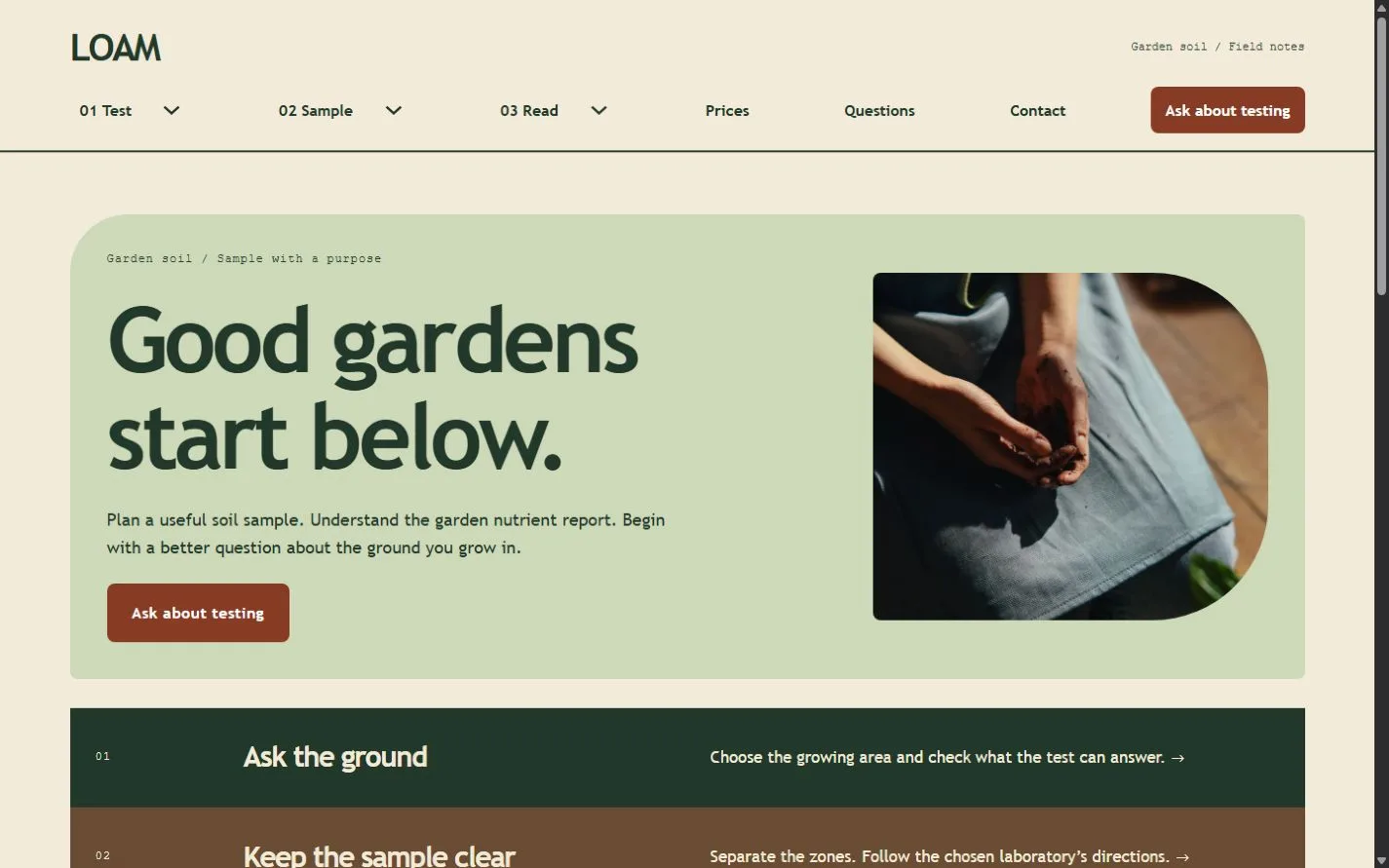
Native field-layer bands, a soil-photo aperture and numbered Test/Sample/Read navigation give garden testing a grounded voice. Zone plans, sampling sheets and report-reading notes make the journey understandable.
A field guide for the garden testing conversation

For garden soil sampling and interpretation services working with an appropriate laboratory. Growing-purpose routes, sampling zones, report explanations and clear scope limits help a customer know what to ask before sending soil.

Colors and typography

The named LOAM palette is included. In Bricks, open Styles → Colors → LOAM. The HEX values below are selectable.

Canvas

#F2EBD9

Ink

#21382A

Surface

#CED9B9

Accent

#873A24

White

#FFFFFF

Soil

#6A4B33

Type styles

Trebuchet MS headings at 700 and body at 400, with Courier New field labels at 400. System fonts only; no external font request.

Customize colors and fonts in Bricks

Follow a sample from question to understanding

Check the testing scopeMake a sample planRead the report guide

What to configure before launch

Replace fictional business details, team, stock photography, conceptual garden plan and illustrative USD fees. Configure the actual laboratory relationship, regional eligibility, accepted sample types, methods, units, lab-specific sampling and packing instructions, fees, shipping, report handling and interpretation scope before accepting samples. No accreditation, laboratory certification, food-safety conclusion or crop-yield guarantee is claimed. Nutrient tests do not establish contamination safety, diagnose disease or assess engineering suitability. Configure both native forms and confirmation routes. Lab ordering, payment, sample labels, private report exchange and customer accounts require separate owner-configured integrations; these enquiries create no paid order or laboratory submission.

Requires a separately licensed Bricks installation. The download includes photo credits and the route map.

Read the template license
LOAM actual homepage preview for garden soil testing

Every page.
One personality.

23 complete business-page designs plus a native header and footer. Includes system typography, a native palette, responsive layouts, a Bricks mobile menu and real FAQ buttons.

BRICKS 2.4.5 · NO DESIGN ADD-ONS

Ready for your
own point of view.

The ZIP includes a native unified Bricks package, a page route map and a setup guide. Your Bricks theme license is separate.

Import the inner package through Bricks Settings → Import/Export, then create your pages from the saved designs. Add accurate business details, review the illustrative policies and verify form delivery before publishing.

Read the setup guide