
Home Energy Assessments · The house-performance field guide

GAUGE

A three-zone diagnostic cover combines a symptom index, native house cutaway and report invitation. Navy, ice blue and yellow guide visitors through assessment methods, report specimens and property preparation.
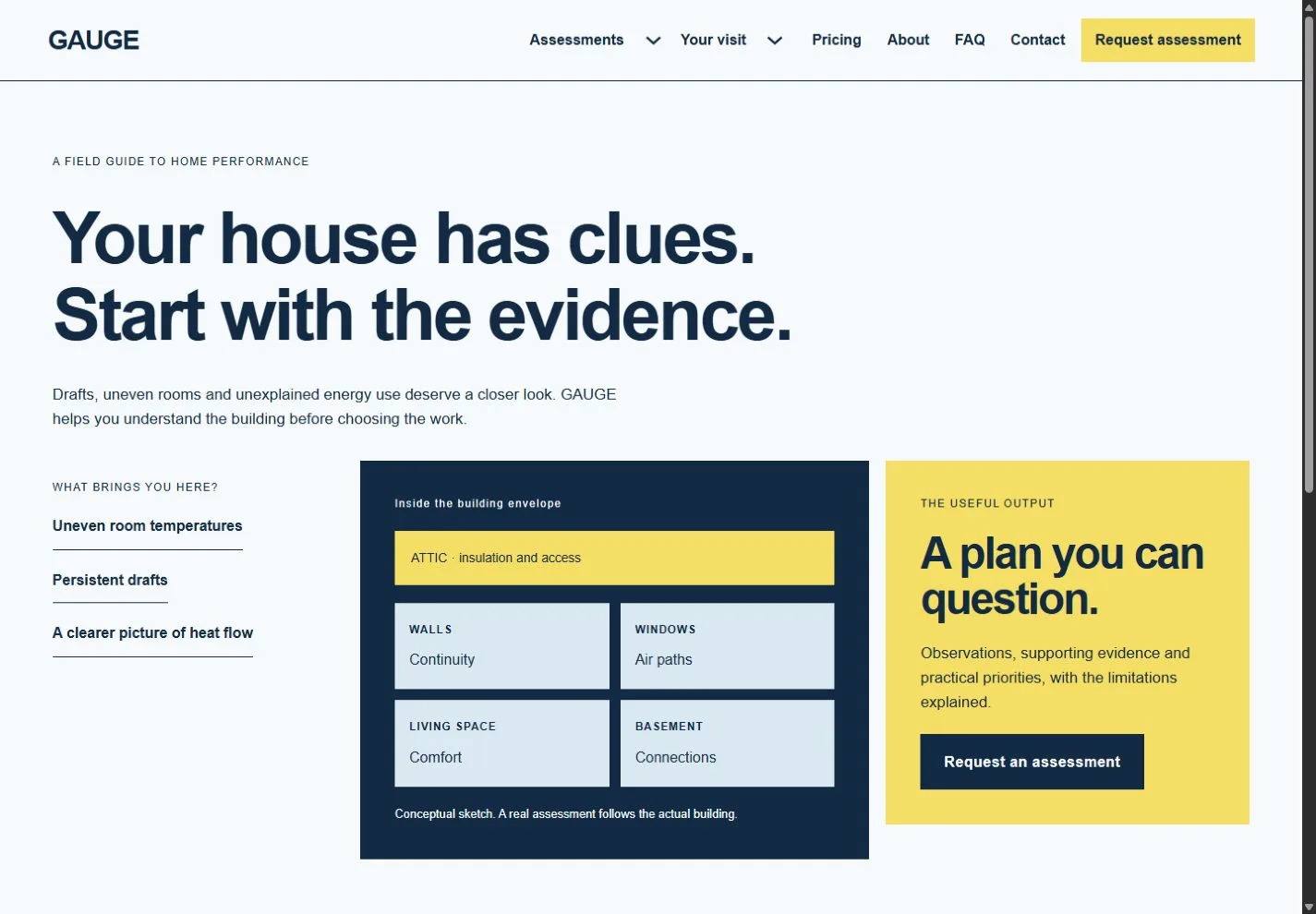
A clearer first step toward a better-performing home

A practical website for independent home energy assessors. Visitors can compare methods, understand the report and prepare a property request before a visit is agreed.

Colors and typography

The named GAUGE palette is included. In Bricks, open Styles → Colors → GAUGE. The HEX values below are selectable.

Canvas

#F7FAFC

Ink

#122A43

Surface

#DAE8F2

Accent

#F5DE65

White

#FFFFFF

Signal

#347284

Type styles

Arial for headlines, copy and controls. System typography with no external font request.

Customize colors and fonts in Bricks

What to configure before launch

Replace the fictional business, assessor roles, service area, example report and USD prices. Publish the real assessment scope, qualifications, access and safety requirements, diagnostic limitations and report timing. Do not promise savings, rebates, health outcomes or code approval. Configure and test email and both confirmations. Scheduling, payment, utility programmes and private document exchange require separate owner setup. Live forms demonstrate validation and confirmation without sending email.

Requires a separately licensed Bricks installation. The download includes photo credits and the route map.

Read the template license
GAUGE actual homepage preview for home energy assessments

Every page.
One personality.

20 complete business-page designs plus a native header and footer. Includes system typography, a native palette, responsive layouts, a Bricks mobile menu and real FAQ buttons.

BRICKS 2.4.5 · NO DESIGN ADD-ONS

Ready for your
own point of view.

The ZIP includes a native unified Bricks package, a page route map and a setup guide. Your Bricks theme license is separate.

Import the inner package through Bricks Settings → Import/Export, then create your pages from the saved designs. Add accurate business details, review the illustrative policies and verify form delivery before publishing.

Read the setup guide