
Opens in a new tab

Window and Door Screen Repair · Mobile field guide

MESH

Citrus, evergreen and daylight photography frame a practical screen repair guide. Offset headlines and field-note comparisons carry visitors from material choice to an onsite estimate.
For mobile screen repair and rescreening businesses

Show the difference between a torn screen and a bent frame, help visitors compare mesh, and collect enough information to plan an onsite estimate.

Colors and typography

The named MESH palette is included. In Bricks, open Styles → Colors → MESH. The HEX values below are selectable.

Canvas

#F7F8EE

Ink

#102D27

Surface

#DDF3E9

Accent

#CDE974

White

#FFFFFF

Type styles

Arial Bold (700) headings, Arial body (400 and 700), and Courier New for short utility labels. System fonts.

Customize colors and fonts in Bricks

What to configure before launch

Replace ZIP coverage, route schedule, costs, minimum charge, supported screen types and warranty. Configure recipients and test both forms. Confirm upper-story access and scope beforehand. Add booking, payments or private photo sharing only after choosing and testing a real integration. Keep image credits or use properly licensed photography.

Requires a separately licensed Bricks installation. The download includes photo credits and the route map.

Read the template license
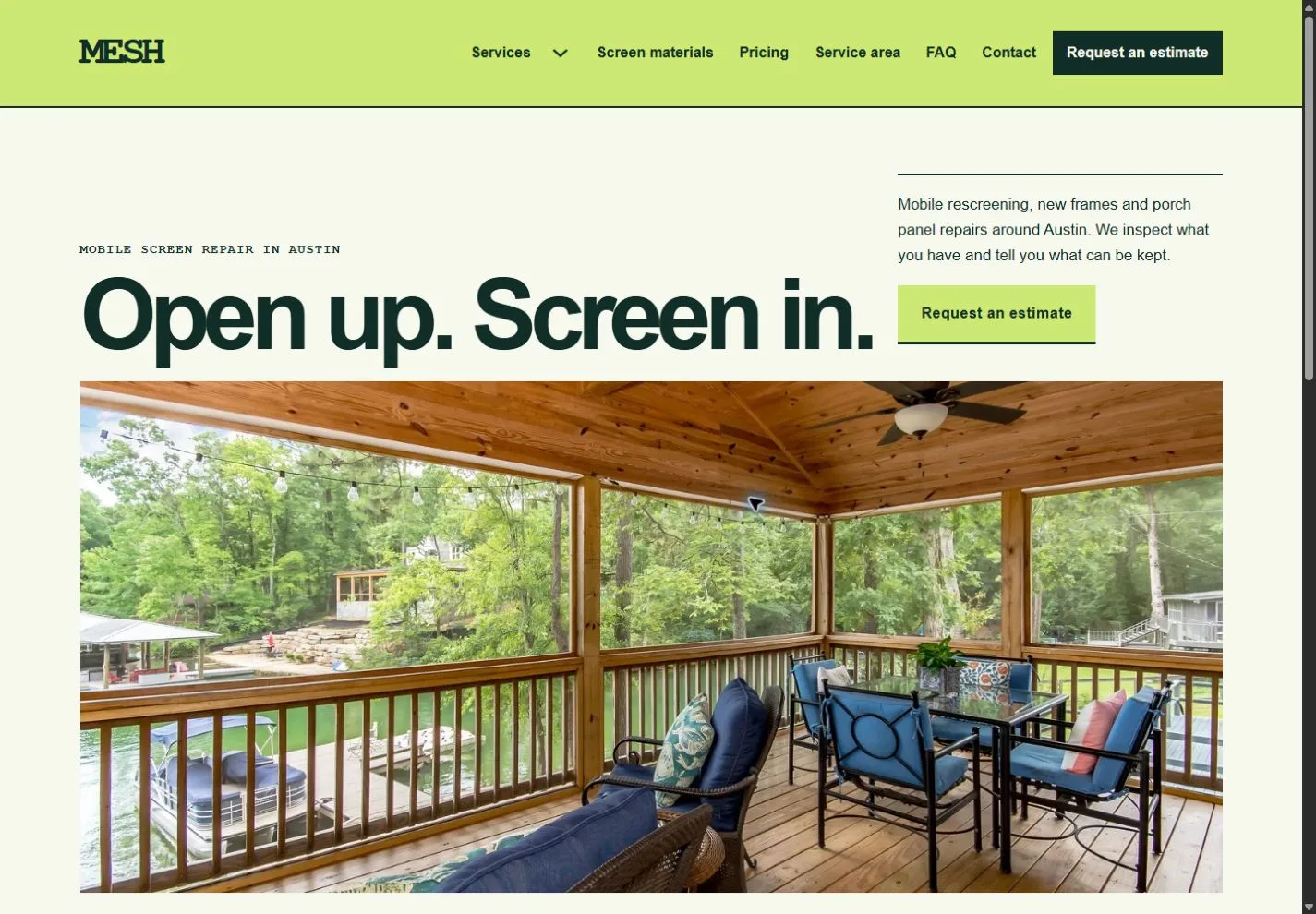
MESH actual homepage preview for window and door screen repair

Every page.
One personality.

20 complete business-page designs plus a native header and footer. Includes system typography, a native palette, responsive layouts, a Bricks mobile menu and real FAQ buttons.

BRICKS 2.4.5 · NO DESIGN ADD-ONS

Ready for your
own point of view.

The ZIP includes a native unified Bricks package, a page route map and a setup guide. Your Bricks theme license is separate.

Import the inner package through Bricks Settings → Import/Export, then create your pages from the saved designs. Add accurate business details, review the illustrative policies and verify form delivery before publishing.

Read the setup guide