
Free Freight And Logistics website kit for Bricks Builder
HAUL
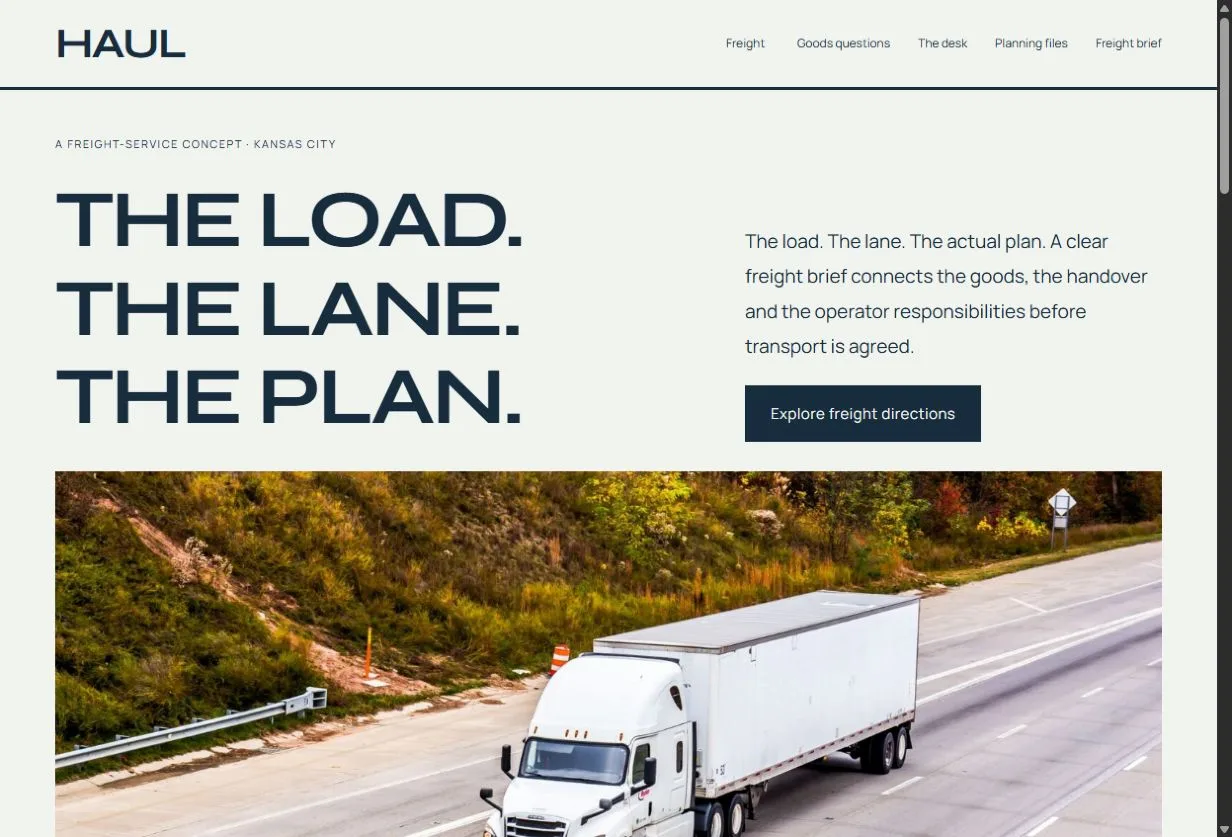
Wide Syne typography, mineral white, navy and orange and cinematic truck bands create a confident freight manifest. Goods records, lane briefs and horizontal responsibility rows organize the actual operator conversation.
CHOOSING HAUL
A design for the work you do.
HAUL suits freight operators that want goods, lanes and handover responsibilities explained through a broad freight manifest.
Complete website
29 page designs, plus header and footer
Free download
Version 0.4.1 · Bricks theme licence separate
Native editing
Bricks elements · No required design add-ons
THE HAUL DESIGN SYSTEM
Colors and typography.
The HAUL palette is included in the download. In the Bricks builder, choose Styles → Colors → HAUL. HEX values are written out so you can select and copy them.
Canvas
#F1F3EF
Ink
#172C3D
Surface
#DDE4E3
Accent
#F2A16B
White
#FFFFFF
Headings
Syne · Weight 400
Self-hosted font. Font licence included in the kit download.
Body text
Manrope · Weight 400
Self-hosted font. Font licence included in the kit download.
The samples identify the kit’s type styles; layouts also adapt their size and spacing across screen widths.
Customize these colors and fontsOpen these layouts first.
Service detail
The Regional Freight Brief
See how a specific offer is introduced, explained and connected to the next conversation.
Preview this pagePractical information
The Goods Acceptance Brief
Read the questions and preparation information that support the first enquiry.
Preview this pageThe enquiry route
Freight Quotes And Scope
Inspect the labelled form and confirmation flow, then configure delivery for the operating business.
Preview this pageMake HAUL your own.
Publish actual goods acceptance, equipment, responsibilities and quote arrangements, with appropriate private transport-record handling.
What do I need?
A WordPress website with a licensed Bricks theme. Our current review environment uses Bricks 2.4.5. Unzip the download and import the inner .bricks.zip through the Bricks builder via Manage → Import / Export → Import.
Follow the complete import guide Optional Accessibility CompanionWhat should I check before launch?
Replace fictional business details, people, prices and examples. Review image permissions and policies, configure form recipients and test delivery, then check the finished site with keyboard, mobile and assistive technology.
See the accessibility review scopePublic demo forms send no enquiry. Downloaded forms need owner configuration and delivery testing. Booking, payment, live inventory and operational systems require the business’s own integrations.
Read the free-template licenceOther directions to explore.
Ready for your
own point of view.
The ZIP includes a native unified Bricks package, font licenses, a page route map, photo credits and a setup guide. Your Bricks theme license is separate.
Import the inner package through the Bricks builder via Manage → Import / Export → Import, then create your pages from the saved designs. Add accurate business details, review the illustrative policies and verify form delivery before publishing.
Read the setup guide