
Mobile Saddle Fitting · The mobile fitting notebook

CANT

A narrow visit-purpose index, broad yard photograph, visit itinerary and practical handover records give saddle fitting an attentive, grounded voice.
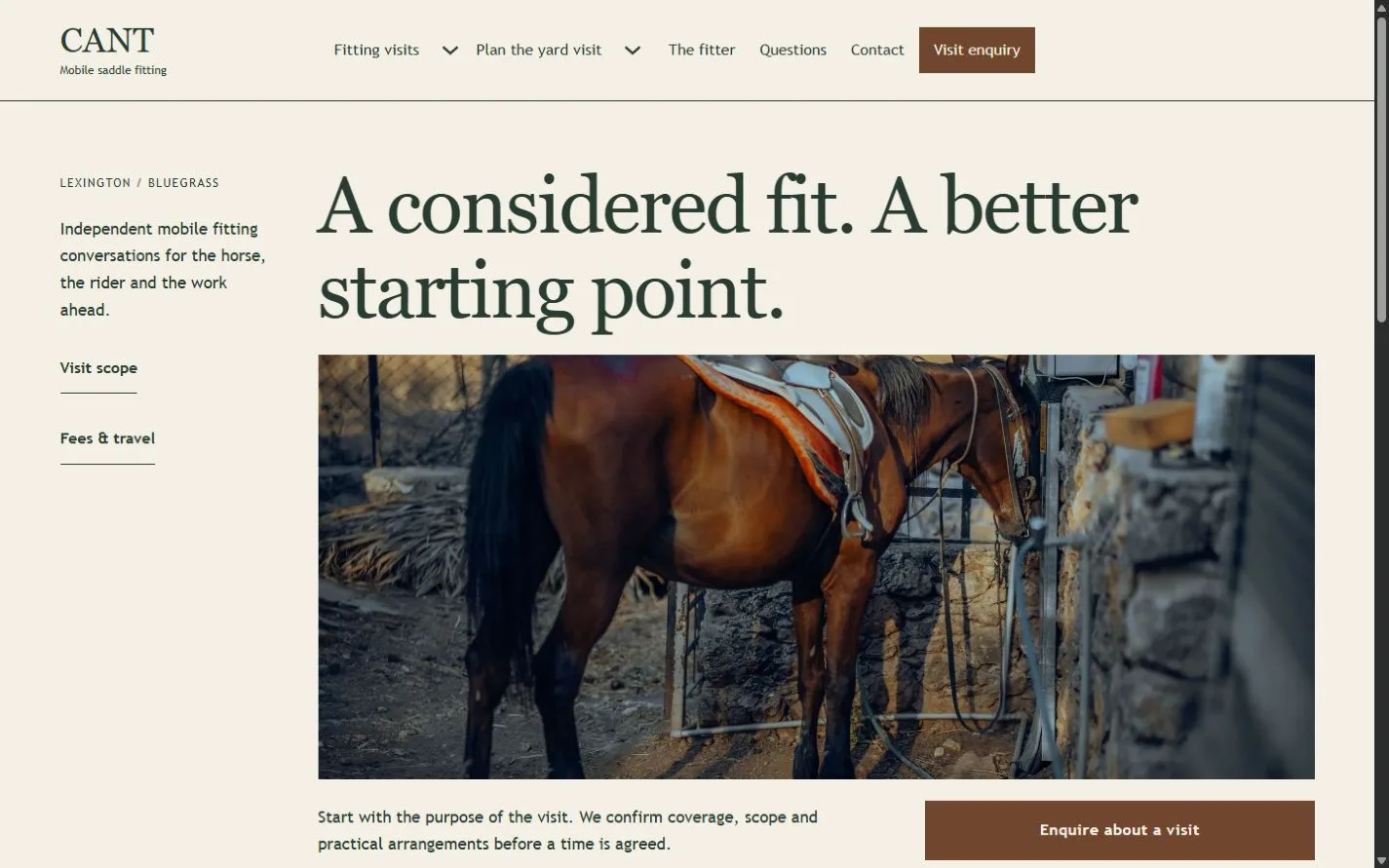
For the fitter who meets the horse where it lives

A full mobile saddle-fitting website that connects visit scope, yard preparation and regional travel with a clear enquiry. It explains what customers should confirm before an appointment.

Colors and typography

The named CANT palette is included. In Bricks, open Styles → Colors → CANT. The HEX values below are selectable.

Canvas

#F4F0E5

Ink

#293C32

Surface

#DFE4D5

Accent

#70462F

White

#FFFFFF

Oat

#DCCDB5

Type styles

Georgia headings with Trebuchet MS body text. System fonts; no external font request.

Customize colors and fonts in Bricks

What to configure before launch

Replace fictional CANT people, coverage, sample visit record and illustrative USD fees. Confirm the fitter’s actual qualifications, insurance, accepted saddle types and disciplines, service limits and any sales relationships. Supply yard preparation, access, consent, travel/group-visit, follow-up, payment and cancellation terms. No diagnosis, remote fitting or guaranteed outcome is implied. Configure native mail actions and both confirmations. Enquiries do not book visits; scheduling, payments and secure document exchange require owner setup. Do not collect rider health or confidential veterinary records in the general form.

Requires a separately licensed Bricks installation. The download includes photo credits and the route map.

Read the template license
CANT actual homepage preview for mobile saddle fitting

Every page.
One personality.

19 complete business-page designs plus a native header and footer. Includes system typography, a native palette, responsive layouts, a Bricks mobile menu and real FAQ buttons.

BRICKS 2.4.5 · NO DESIGN ADD-ONS

Ready for your
own point of view.

The ZIP includes a native unified Bricks package, a page route map and a setup guide. Your Bricks theme license is separate.

Import the inner package through Bricks Settings → Import/Export, then create your pages from the saved designs. Add accurate business details, review the illustrative policies and verify form delivery before publishing.

Read the setup guide